
December 18, 2025
⯀
17
min


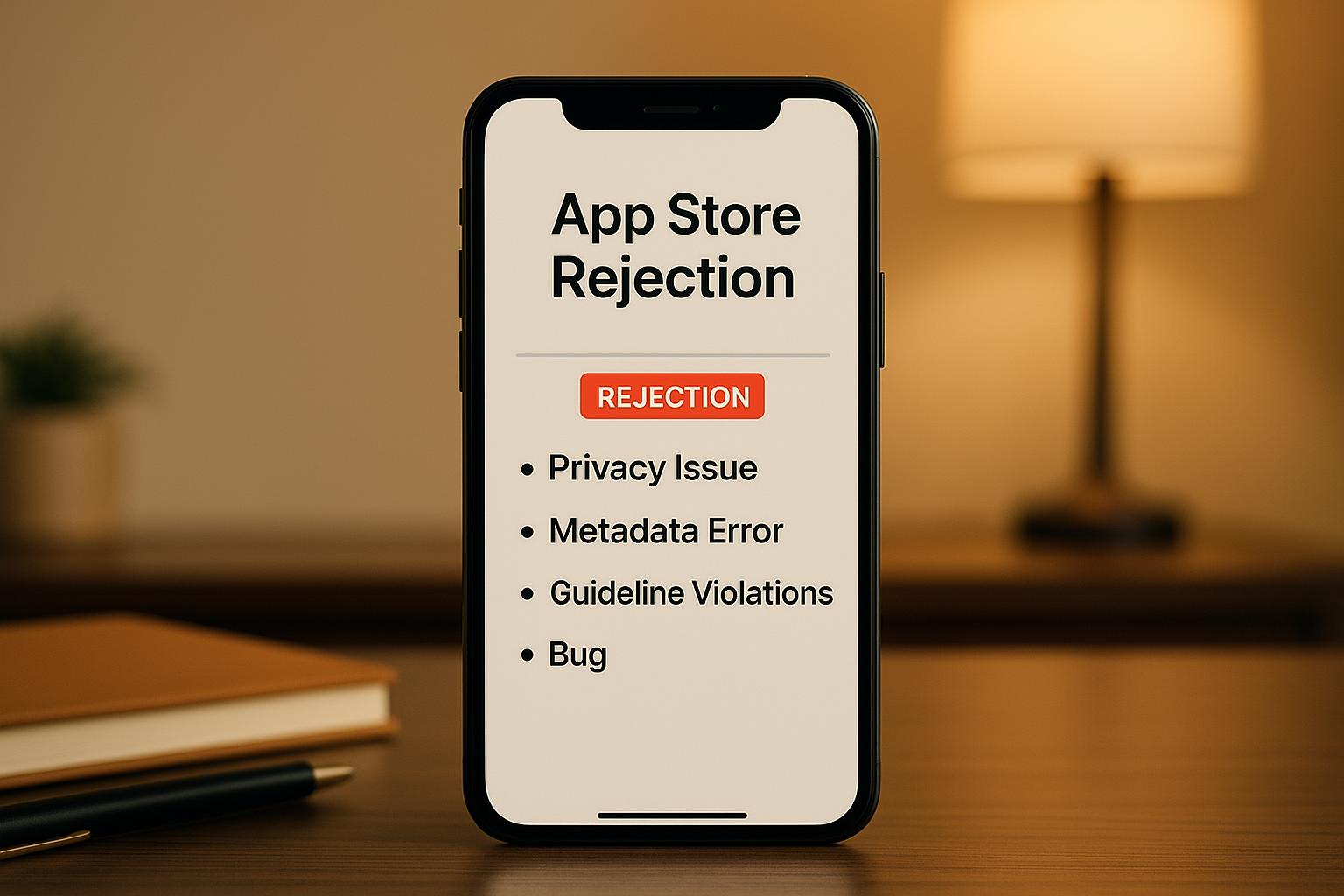
Getting your app approved by Apple can be challenging, but most rejections stem from preventable issues. Here's what you need to know:
Pro Tip: Test your app thoroughly, follow Apple's guidelines for privacy and design, and ensure all metadata is accurate before submission. Addressing these areas upfront can save you time and money.
The rest of the article dives deeper into avoiding these pitfalls and ensuring your app is ready for approval.
Privacy issues top the list of reasons apps get rejected by the App Store. According to Apple’s data, noncompliance with privacy standards is the most frequent cause. Apple takes a hard stance on ensuring apps are upfront about how they handle user data and require explicit permission before accessing sensitive information. With the introduction of AI-driven review systems that analyze code-level permissions and API usage, the scrutiny has become even more rigorous. For developers, staying compliant is more critical than ever.
Here’s a breakdown of the most common privacy mistakes that lead to rejections and how to avoid them.
These are some of the typical privacy missteps that often result in rejection:
To ensure compliance, start with a thorough audit of your app’s codebase. Identify all data collection points, API calls, and third-party integrations. Use this information to create a detailed and transparent privacy policy that covers:
Make sure your privacy policy is written in simple, user-friendly language and is easy to find - both within the app and on its App Store page. Use contextual permission prompts that appear only when a specific feature requires access. Collect only the permissions your app truly needs, and ensure the data is used strictly for its stated purpose.
Before submitting your app, test it thoroughly on actual devices. Confirm that permission prompts appear when needed and that the app operates smoothly even if a user denies access. Double-check that third-party integrations aren’t collecting or sharing data beyond what’s disclosed. Providing detailed technical documentation during submission - explaining the rationale behind each permission and API call - can also help reviewers, especially when AI systems might misinterpret certain aspects.
If your app is rejected for privacy violations, carefully review the rejection notice for specific feedback. Address each issue, whether it involves updating your privacy policy, removing unnecessary permissions, clarifying data practices, or adjusting third-party tools. Once all concerns are resolved, resubmit your app for approval.
Technical problems are one of the top reasons apps get rejected from the App Store. According to 2025 data, Guideline 2.1 (App Completeness) accounts for 22% of rejections, making it the second-most common reason after spam-related violations. Apple has a zero-tolerance policy for apps that crash, freeze, or fail to perform as expected. If testers encounter bugs during their review, the app is rejected - no exceptions. Apple’s review process is far more thorough than typical user interactions, which means issues that might go unnoticed in quick tests are often caught. Apps that initially perform well but develop problems over time are also at risk of rejection.
Crashes and Bugs:
Crashes and bugs are among the most frequent reasons for rejection. If your app crashes during launch, basic functionality tests, or while navigating between screens, it’s automatically disqualified. Apple explicitly states that incomplete app bundles or binaries with obvious technical issues won’t pass review.
Memory Leaks:
Memory leaks are another common issue that developers often overlook. An app might seem fine during short tests but could gradually consume more memory, eventually slowing down, freezing, or crashing.
Slow Loading Times:
Apps that take too long to start or have sluggish page load times frustrate users and violate Apple’s performance standards, leading to possible rejection.
Unresponsive or Incomplete UI Elements:
UI elements that don’t respond properly to taps, have choppy navigation, fail to render correctly, or are missing on different screen sizes can ruin the user experience. These flaws breach Apple’s app completeness guidelines.
Battery Drain and Overheating:
Apps that cause excessive battery drain or device overheating are flagged for rejection. These issues often stem from inefficient code, unnecessary background processes, or improper use of device sensors.
Broken API Connections:
If your app relies on external services and those API connections fail during Apple’s review, the app will be rejected. It’s essential to handle service outages with proper error messages and fallback options.
Start by testing your app on multiple real devices with different iOS versions before submitting it. Simulators on Mac can’t fully replicate real hardware conditions, especially when it comes to performance, memory usage, and sensor behavior.
A solid quality assurance process is critical. Create a detailed test plan, track defects systematically, and use performance profiling tools like Xcode’s memory profiler to catch and fix memory leaks early. Monitor battery consumption during tests and optimize your code to reduce unnecessary drain. Speed up loading times and improve responsiveness by using techniques like lazy loading, optimizing image sizes, minimizing network requests, and caching data effectively. For smoother UI interactions, ensure heavy computations run on background threads to avoid blocking the main thread.
When dealing with external APIs, implement proper error handling and fallback mechanisms to manage service outages gracefully. Extended testing sessions can help uncover memory leaks, performance slowdowns, or stability problems. Finally, double-check that all UI elements work correctly and display properly across different screen sizes and orientations.
Technical stability is the backbone of a seamless user experience and pairs perfectly with great design and accurate metadata. At Dots Mobile, we prioritize thorough testing to ensure our apps meet Apple’s technical standards before submission. Once the technical side is solid, the next step is to focus on polishing design and user interface elements.
Design problems are one of the top reasons apps get rejected from the App Store. Apple places a strong emphasis on interfaces that follow its Human Interface Guidelines. While technical issues like crashes often lead to rejections, poor UI/UX design is another major factor. Unlike crashes, which are clear-cut technical problems, design violations depend on Apple's subjective judgment of whether an app delivers a quality user experience. Additionally, poorly designed interfaces can negatively impact accessibility, making it harder for users with disabilities to navigate the app.
Non-Intuitive User Interfaces:
Apps that are difficult to navigate or lack logical design often face rejection. Problems like confusing visual hierarchy, unreadable fonts, or clashing colors suggest a lack of thoughtful design.
Inconsistent Navigation:
If your app's navigation feels inconsistent across screens, it disrupts the user experience and can result in rejection.
Incomplete or Improperly Displayed UI Elements:
Missing or improperly rendered UI components - especially across different screen sizes - violate Apple's guidelines. Every button, label, and interactive element must be fully functional and correctly displayed.
Non-Standard Controls:
Custom controls that don't align with Apple's standard UI components can confuse users. For instance, creating buttons that look like system elements but behave differently is a common mistake that leads to rejection. Stick to Apple's standard controls unless there’s a compelling reason to introduce something new.
Touch Target Issues:
Interactive elements that are too small make apps harder to use and less accessible. Apple requires all touch targets to meet minimum size standards to ensure ease of interaction across all devices.
Small or Poorly Styled Text:
Text that's too small or badly formatted, especially on older devices, is another frequent reason for rejection.
Poor Contrast Ratios:
Low contrast between text and background colors not only affects readability but also creates accessibility barriers. Following WCAG standards is essential for clear and accessible content.
Missing Dark Mode Support:
Dark mode is now a standard expectation for iOS apps. If your app doesn’t support it, Apple may consider this a violation of its design guidelines. Both light and dark modes should offer a visually appealing and readable experience.
Design Inconsistencies and Poor Layout:
Inconsistent typography, spacing, or color schemes - or an outdated overall design - can confuse users and signal low quality. These inconsistencies are a common reason for rejection.
Excessive or Pointless Splash Screens:
Splash screens that linger too long or serve no meaningful purpose can frustrate users. People expect quick access to an app’s features without unnecessary delays.
Addressing these design issues is critical for getting your app approved by Apple.
A well-thought-out design doesn’t just improve the user experience - it’s also key to passing Apple’s review process. Start by thoroughly reviewing Apple’s Human Interface Guidelines, which outline best practices for controls, typography, spacing, color usage, and interaction patterns. Stick to standard iOS controls and navigation patterns instead of introducing custom elements that deviate from the platform’s norms.
Consistency is crucial. Use the same navigation patterns, typography styles, color schemes, and spacing throughout your app. Inconsistent design elements confuse users and can lead to rejection.
Test your app on real devices and across multiple iOS versions to catch issues like misaligned touch targets or readability problems.
Accessibility should be a priority from the start. Ensure your app meets WCAG standards for contrast ratios, supports dark mode, and includes other system accessibility features.
Before submission, analyze user behavior during beta testing to identify potential design flaws. Tools like session replays, heatmaps, and user journey analysis can highlight areas where users encounter confusion or frustration. Fixing these issues before submitting your app increases the likelihood of approval on the first try.
At Dots Mobile, we specialize in creating user-friendly mobile apps with intuitive navigation and consistent branding. Our expertise ensures that apps are ready for App Store approval from day one.
"They were also very helpful in guiding processes such as app store approval, etc." - Rikki Price, CEO at Bibli
Next, we’ll dive into compliance issues related to payment systems and in-app purchases.
Payment-related violations are one of the most common reasons apps get rejected from the App Store. Apple's strict guidelines for handling digital transactions, subscriptions, and in-app purchases are designed to protect users and maintain a consistent platform experience. If developers fail to meet these requirements, their apps are rejected - no matter how polished or functional the rest of the app may be.
Using Unapproved Payment Methods:
Apple requires all digital content transactions - like subscriptions, premium features, virtual currency, and e-books - to go through its in-app purchase (IAP) framework. Attempting to bypass this by using third-party payment processors (e.g., Stripe or PayPal) for digital content leads to immediate rejection. However, physical goods and services can use alternative payment methods without violating Apple's policies.
Broken or Non-Functional Purchases:
Apps with payment flows that fail during Apple's review process are rejected. Issues like incomplete transactions, charges without delivering the purchased content, or crashes during the payment process are all grounds for rejection. Even if your system works during internal testing, it must perform flawlessly during Apple's evaluation.
Unclear or Misleading Pricing Terms:
Subscription apps must clearly disclose all billing details. This includes renewal frequency, pricing, trial periods, and cancellation policies. Apps that fail to provide this transparency are rejected.
Excessively High Prices:
Pricing must reflect the value your app provides. Apps with subscription fees far higher than comparable apps, extreme one-time purchase costs, or pricing tiers with little value in lower tiers are flagged as exploitative and may be rejected.
Failed Purchase Restoration:
Users must be able to restore purchases easily, especially for non-consumable items or subscriptions. If your app fails to provide this functionality, it won't pass Apple's review.
Incomplete Purchase Flows:
Every step of the payment process must be straightforward and transparent. Any gaps or unclear steps can lead to rejection.
Outdated Payment Mechanisms:
Avoid using deprecated payment libraries or SDKs. Apple's automated review tools now scan app code to identify unapproved payment APIs or outdated third-party payment SDKs, which can result in rejection.
To ensure your app meets Apple's standards, use StoreKit for all digital transactions.
Make subscription terms crystal clear by displaying details like renewal frequency, local pricing, included features, and free trial durations before users commit to a purchase. Users should always know exactly what they’re paying for and when they’ll be charged.
Include a subscription management screen within your app. This allows users to check active subscriptions, view renewal dates, and cancel easily - without having to navigate through multiple menus. The cancellation process should be as simple as the initial purchase.
Test your payment flows thoroughly in Apple’s Sandbox environment before submitting your app for review. Cover every scenario, including successful transactions, failed payments, subscription renewals, cancellations, and purchase restoration. Ensure receipts are validated, content is delivered immediately, and helpful error messages are provided for any issues.
Handle regional pricing variations by setting prices for each App Store territory based on local currencies and regulations. Research local consumer protection laws to ensure compliance with subscription disclosure requirements.
Compare your pricing strategy with similar apps in your category to ensure it’s reasonable and competitive. Your pricing should align with the value and features your app offers.
Finally, double-check your App Store listing to ensure it clearly communicates subscription terms, pricing, and what users will receive. Consistency between the app description, store listing, and in-app pricing is essential for approval.
At Dots Mobile, we use StoreKit, rigorous testing, and transparent subscription management to create payment systems that meet Apple’s standards and secure fast approval.
With your payment systems in order, the next step is to focus on refining your metadata and App Store listings.
Your App Store listing plays a crucial role in shaping user expectations and guiding Apple's review process. If your descriptions are inaccurate, visuals are misleading, or information is incomplete, your app could be rejected immediately. Apple insists that all metadata must directly relate to your app’s actual content and functionality.
Metadata issues are a major reason for app rejections, often falling into two key categories. By ensuring your metadata aligns with your app’s features, you set the stage for a smoother review and approval process.
Placeholder or Default Text:
Leaving placeholder content in your app’s listing is a clear red flag for reviewers. It signals an unfinished product and can lead to instant rejection. Even a single field with default text can jeopardize your submission.
Incomplete or Missing Descriptions:
Apps lacking clear, detailed descriptions often fail to meet Apple’s requirements. Your description should clearly outline your app’s purpose, core features, and the value it provides to users.
Misleading App Names and Incorrect Categorization:
Your app’s name must reflect its actual purpose without resorting to keyword stuffing. Additionally, selecting the right category ensures that users can find your app easily and that reviewers evaluate it appropriately.
Inaccurate Visuals:
Screenshots and preview videos must showcase your app’s real interface and features. If reviewers find discrepancies - like outdated screenshots, exaggerated functionality, or mockups instead of real features - your app risks rejection.
Missing Privacy Policy and Terms of Use Links:
Apple requires functional links to your privacy policy and Terms of Use on your store listing. Generic or missing privacy policies are common reasons for denials.
Keyword Stuffing:
Descriptions crammed with keywords for search optimization violate Apple’s guidelines. Reviewers expect descriptions to inform users, not manipulate search rankings.
Omitting Essential Information:
If your app’s listing fails to disclose costs, subscription details, required permissions, or dependencies on external services, it creates a poor user experience and violates Apple’s transparency rules.
Avoiding these common mistakes ensures your app listing accurately represents your app and meets Apple’s expectations.
Write your app description in straightforward, natural language that explains what your app does and why users will find it valuable. Focus on highlighting the core features and benefits without overloading it with keywords.
Be transparent about costs and subscriptions. If your app includes in-app purchases or requires a subscription, make this clear in the description.
Use high-quality screenshots that reflect your app’s actual interface and features. Whenever possible, include video previews to demonstrate how your app works in real use cases.
Ensure that your privacy policy and Terms of Use links are functional and easy to find at the bottom of your store listing. Your privacy policy should clearly outline how your app collects, stores, and shares user data, using app-specific details.
Choose a name for your app that clearly communicates its purpose. If your app evolves during development, update the name to reflect its current functionality.
Before submitting your app, double-check that every element of your store listing aligns with your app’s actual features. Confirm that screenshots match the current interface and that video previews accurately depict real functionality. Having someone who isn’t familiar with your app review the listing can help identify any misleading claims or unclear descriptions.
"They were also very helpful in guiding processes such as app store approval, etc." - Rikki Price, CEO at Bibli
At Dots Mobile, we understand the importance of accurate metadata in preparing your app for Apple’s rigorous review process. Our App Store Optimization strategies ensure that your app’s descriptions, visuals, and metadata not only comply with Apple’s guidelines but also maximize its visibility. By aligning every detail with your app’s actual functionality, we help you submit your app confidently, knowing it’s ready to meet Apple’s high standards for approval.
In 2025, statistics revealed that 28% of app rejections were due to spam violations, while 22% stemmed from app completeness issues. The remaining rejections were linked to privacy, technical, design, payment, and metadata problems. The good news? These issues are often avoidable. Many apps face rejection because developers overlook privacy policies, submit incomplete products, misrepresent metadata, or skip thorough device testing. Tackling these challenges early can prevent costly delays.
Incorporating compliance into your development process from the very beginning is the smartest approach. By aligning your project with Apple's guidelines from day one - whether it’s adhering to the Human Interface Guidelines, implementing robust privacy policies, or conducting exhaustive testing - you can avoid the hassle of repeated submissions and expensive last-minute fixes. Early preparation and rigorous testing pave the way for smoother approvals.
For developers who want expert support, professional app development services can simplify this journey. At Dots Mobile, we handle the entire process to ensure your app is App Store Ready - from concept to launch. Our UI/UX designs align with Apple’s standards, our iOS development prioritizes performance and stability, and our Quality Assurance process identifies potential crashes, bugs, and performance hiccups before submission. With a track record of successfully launching 54 mobile apps across the App Store and Google Play, we also offer App Store Optimization services to ensure your metadata is accurate and boosts visibility.
Whether you’re a startup introducing your first app or a seasoned enterprise expanding your mobile footprint, understanding common rejection pitfalls and prioritizing compliance throughout development will save time, minimize frustration, and help deliver your app to users faster.
To make sure your app meets Apple's privacy standards, start by thoroughly reviewing their App Store Review Guidelines, especially the sections that focus on data privacy and security. Be upfront about how your app collects, uses, and shares user data, and ensure you provide a clear, accessible privacy policy for users.
When gathering user data, stick to what’s strictly necessary for your app to function. Avoid asking for sensitive permissions unless they’re absolutely critical, and always explain to users why those permissions are needed. It’s also crucial to test your app rigorously to confirm it handles data securely and stays in line with Apple’s privacy expectations.
If you need expert guidance, you might consider partnering with a team like Dots Mobile, which specializes in creating apps that meet technical and compliance standards, helping you navigate the App Store approval process smoothly.
When it comes to avoiding app rejection due to technical hiccups like crashes or sluggish performance, clean and efficient code is your best ally. Regularly test your app to ensure it's running smoothly, with a focus on speed, stability, and scalability. Performance tests can help pinpoint bugs or inefficiencies so you can address them before submission.
Equally important is adhering to Apple's App Store guidelines. Make sure your app is compatible across a range of devices by testing it thoroughly. A polished user interface and smooth functionality not only boost your chances of approval but also create a better experience for your users.
To craft an App Store listing that grabs attention and drives downloads, focus on three key areas: accuracy, clarity, and user appeal. Start with your app's design - make sure it features intuitive navigation, consistent branding, and delivers a smooth experience on any device. A well-designed app sets the stage for user satisfaction.
Next, fine-tune your listing with App Store Optimization (ASO) strategies. This means incorporating relevant keywords, using eye-catching visuals, and writing a clear, engaging app description. These elements not only boost your app's visibility but also encourage users to click that "Download" button.
Lastly, ensure your app meets all of Apple's guidelines. Skipping this step could result in rejection, delaying your app's launch and frustrating your efforts.
If you need professional assistance, Dots Mobile offers a full range of services - from UI/UX design to App Store optimization - designed to help your app shine in a competitive market.


