
February 16, 2026
⯀
2
min


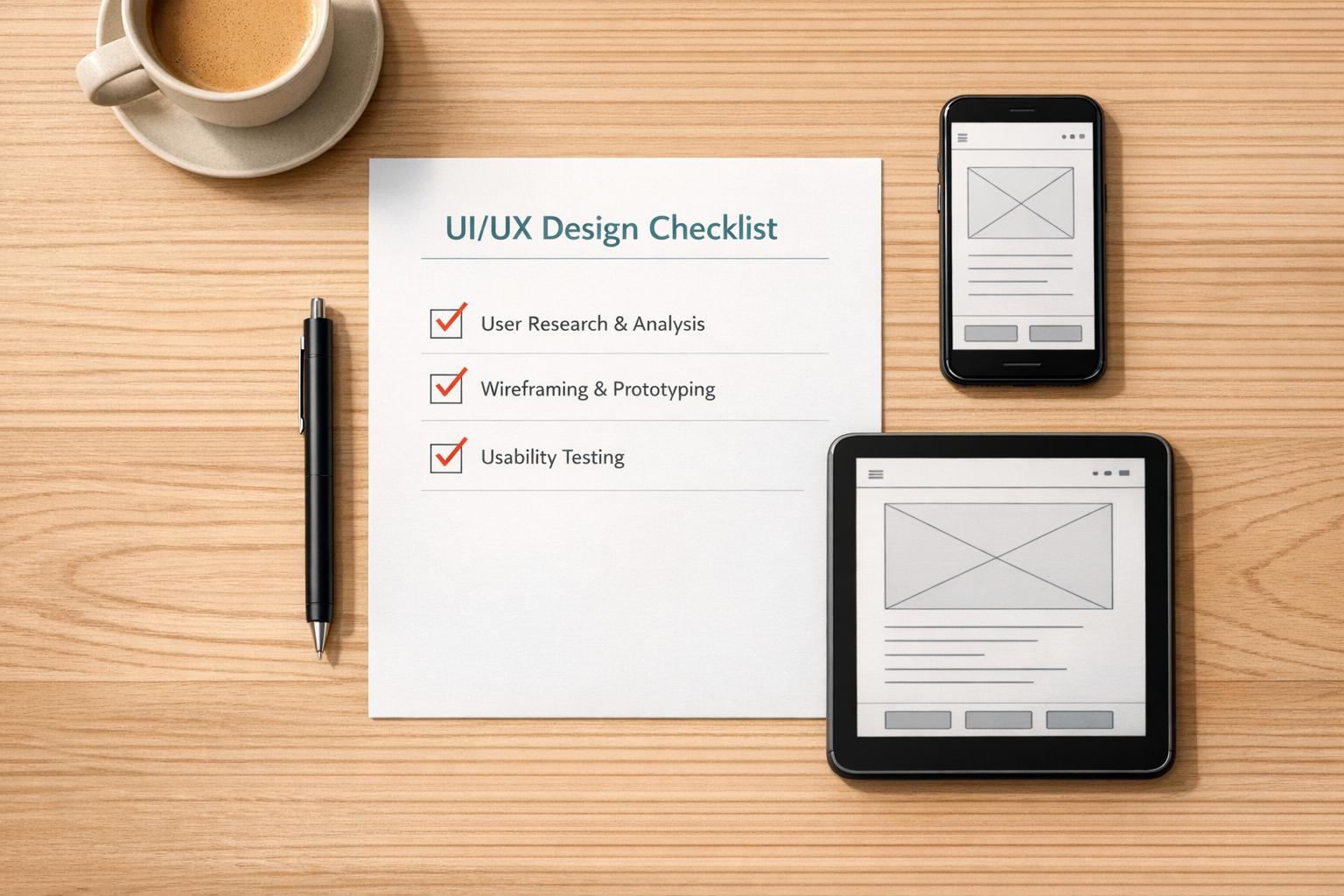
Creating an app that stands out in today’s crowded digital space is no small feat. A well-structured approach to user interface and experience design can make all the difference between an app that frustrates and one that delights. That’s where a thoughtful design checklist comes in handy—it’s like having a seasoned mentor guiding you through the process. From ensuring seamless navigation to prioritizing accessibility, every detail matters when you’re aiming to hook and retain users.
Think about the last app you abandoned. Chances are, clunky menus or confusing layouts played a role. Focusing on user-friendly design isn’t just about aesthetics; it’s about crafting intuitive journeys that keep people coming back. A comprehensive guide to app design helps you spot potential pitfalls before they become dealbreakers. Whether it’s consistent button placement or fast load times, small tweaks add up to a big impact. For designers and developers alike, having a reliable framework ensures you’re not reinventing the wheel but building on proven strategies for success.
It’s perfect for anyone involved in app creation—designers, developers, product managers, or even business owners dipping their toes into design. Whether you’re working on a mobile app or a web platform, this tool helps ensure your project meets user expectations and industry standards. Think of it as a trusty sidekick for both beginners and pros looking to polish their work.
Absolutely! We’ve built in a local save feature so you can step away and return to your checklist without losing a single checkmark. Just make sure you’re using the same browser and device, as the progress is stored locally on your machine. It’s a small but handy way to keep your workflow smooth.
Yes, every item on this checklist is rooted in proven UI/UX principles and industry best practices. We’ve pulled from guidelines like WCAG for accessibility, Google’s Material Design, and Apple’s Human Interface Guidelines, plus insights from real-world design feedback. You’re not just ticking boxes—you’re building something users will genuinely appreciate.


