
App Store Keyword Finder for Better Reach
Find the best keywords for your app with our App Store Keyword Finder! Optimize for Apple or Google Play and boost downloads with ease.
Unlock App Success with Smart Keyword Research
In the crowded world of mobile apps, standing out is a real challenge. With millions of apps vying for attention, how do you ensure yours gets noticed? The secret lies in mastering app store optimization (ASO), and it all starts with finding the right search terms. A tool designed for discovering impactful keywords can be a game-changer, helping developers tap into what users are actively looking for.
Why Keyword Strategy Matters
Think about how you search for apps yourself. You type in a quick phrase, maybe something specific to your need, and scroll through the top results. Apps that rank high for those phrases aren’t there by accident—they’ve nailed their ASO game. By leveraging a resource that analyzes search trends and competitor strategies, you can uncover terms that align with your app’s purpose and audience. It’s not just about visibility; it’s about connecting with the right users who’ll download and engage.
Start Optimizing Today
Whether you’re launching a new app or revamping an existing one, a focused approach to keyword discovery can boost your rankings on platforms like Google Play or the Apple App Store. Don’t leave your success to chance—use data-driven insights to climb the charts and grow your user base.
FAQs
Why are keywords so important for app store optimization?
Keywords are the bridge between your app and potential users. When someone searches for an app, the store’s algorithm matches their query with relevant keywords tied to your listing. If your app doesn’t have the right terms, it’s invisible—no matter how great it is. Our tool helps you find keywords that align with what people are actually searching for, increasing your chances of showing up in results and driving organic downloads.
How does your tool pick keywords for my app?
We’ve built a database of trending search terms, competitor app data, and user behavior patterns across both Apple and Google platforms. When you input your app details, our system cross-references this info to find keywords that match your niche. We also factor in search volume and competition levels, so you’re not just getting random suggestions—you’re getting ones that can realistically help you rank.
Can I use this tool for both Apple App Store and Google Play?
Absolutely! We know app developers often target both platforms, so our tool lets you switch between Apple App Store and Google Play with a single click. Each store has its own quirks—Apple prioritizes keyword fields differently than Google’s broader metadata approach—so we tweak our suggestions to fit the platform you choose. You’ll get tailored results no matter where you’re publishing.
 StrategyFlutter or native: how we actually decide
 DevelopmentHow we use AI in development — and where we don't
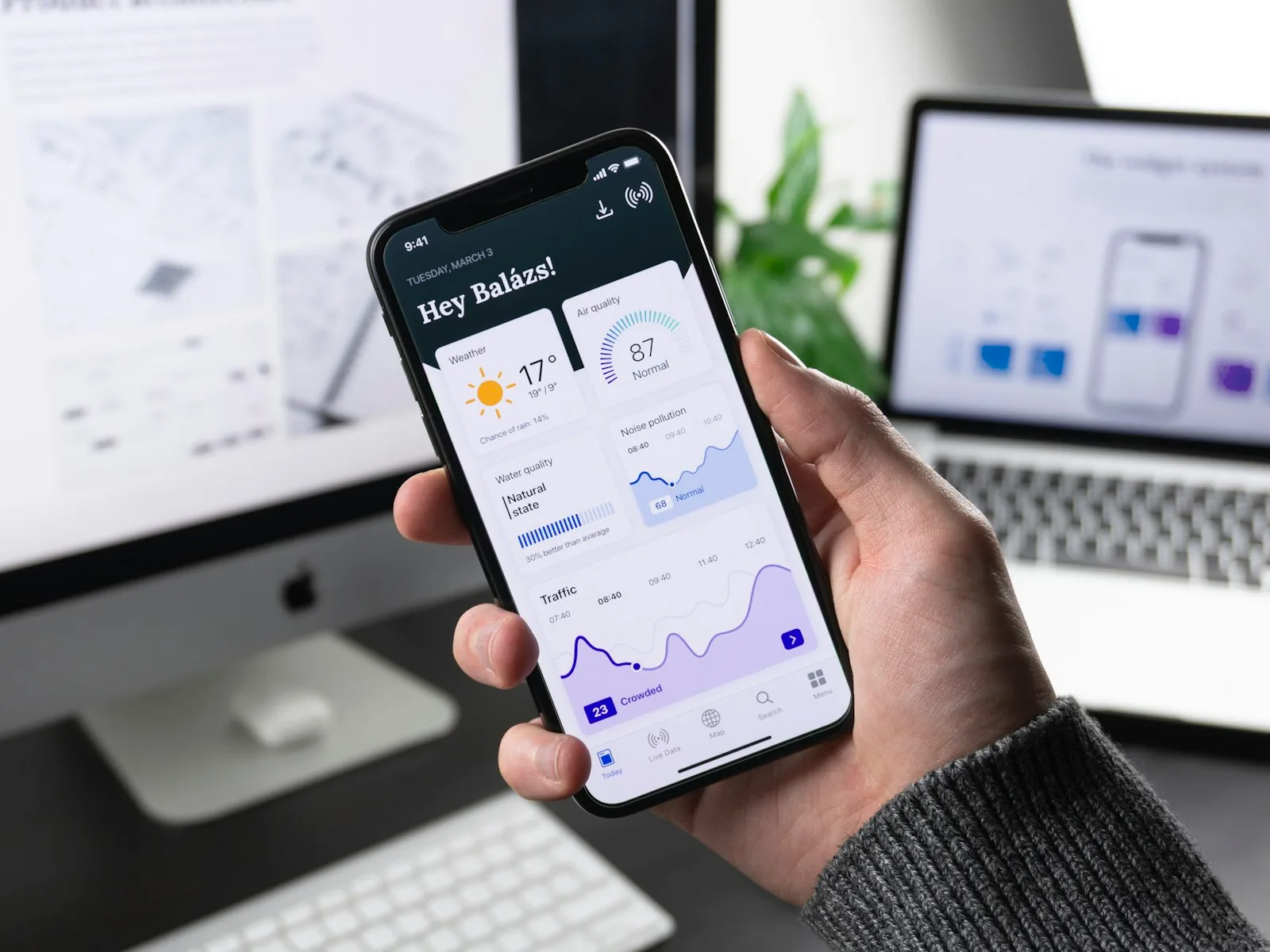 DesignOnboarding that keeps day-seven users
 StrategyHow much does an app cost? The honest breakdown
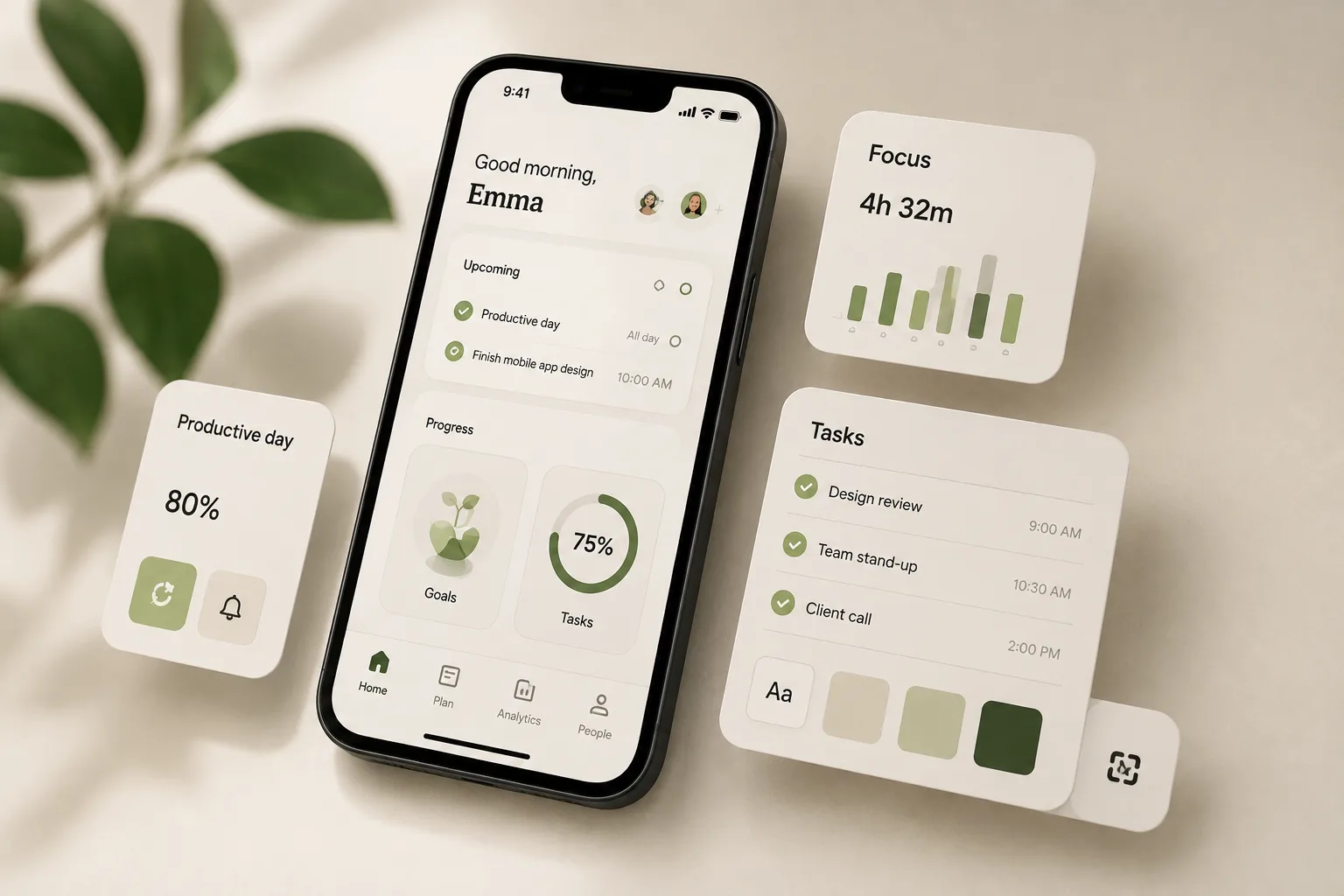 Design7 mobile app design trends to watch in 2026
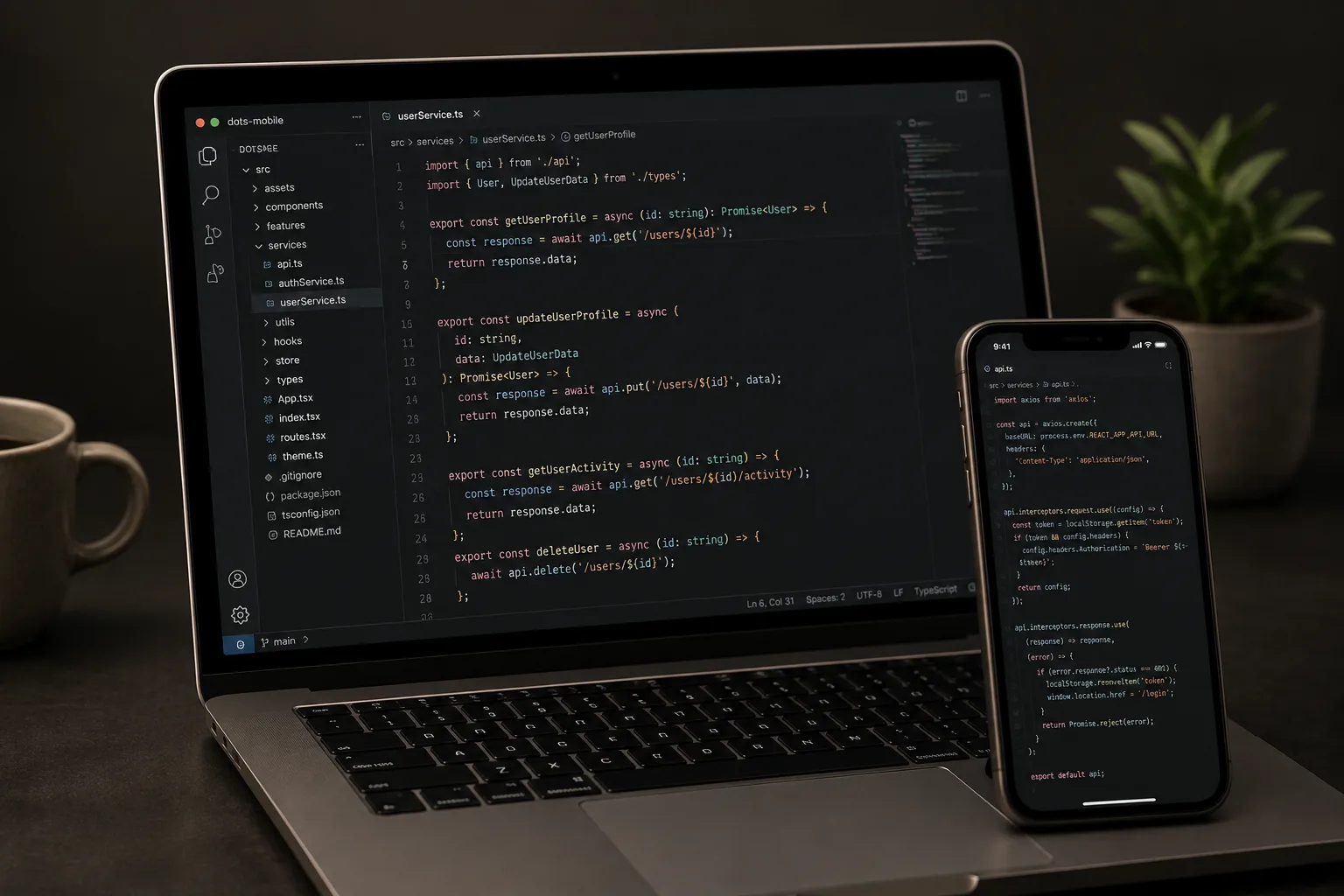 DevelopmentClean code in mobile development
 StrategyHow to validate your app idea before building
 DesignHow to Build Custom App Dashboards
 DevelopmentSolving Memory Bottlenecks in Multithreaded Apps
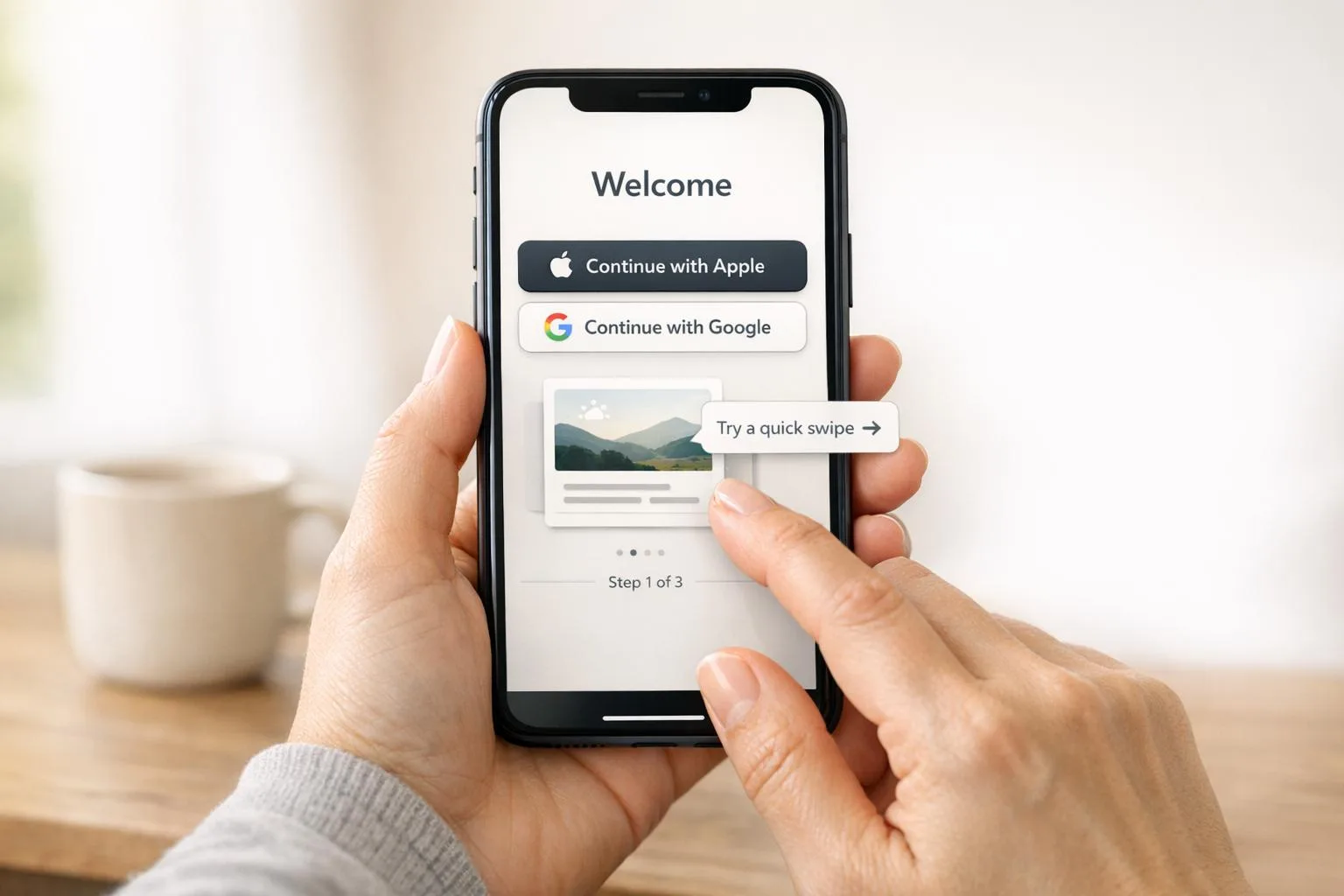 DesignBest Practices for Mobile App Onboarding
 DevelopmentPWA vs Native vs Hybrid: Key Differences
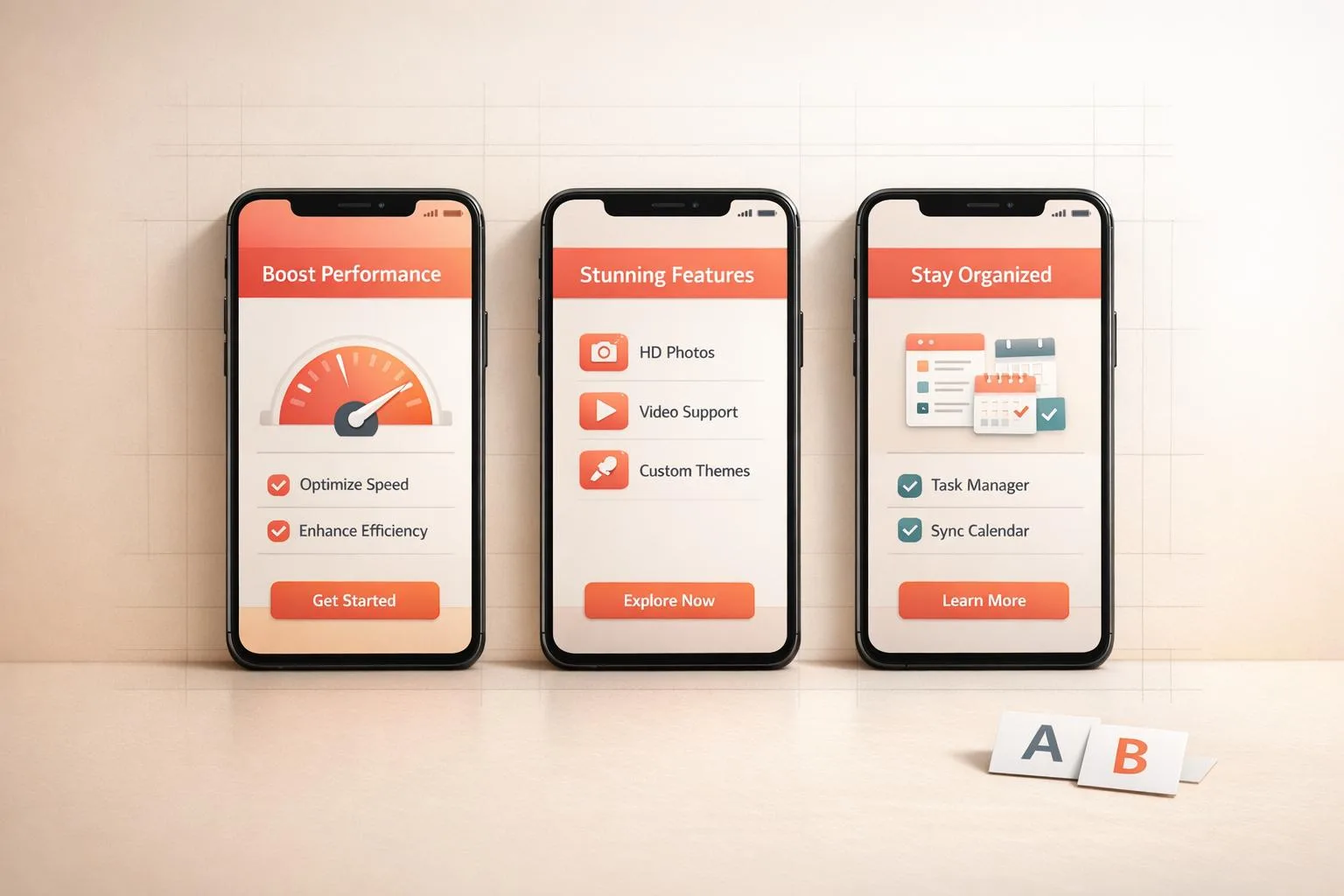 DesignHow to Design App Screenshots for Maximum Impact
 Growth7 Content Marketing Tips for App Launches
 DesignHow to Build Scalable iOS Apps with Swift
 StrategyMobile App Feature Planner Made Easy
 DevelopmentXcode vs Android Studio: Key Differences
 DesignHow to Build a Personalized Recommender System
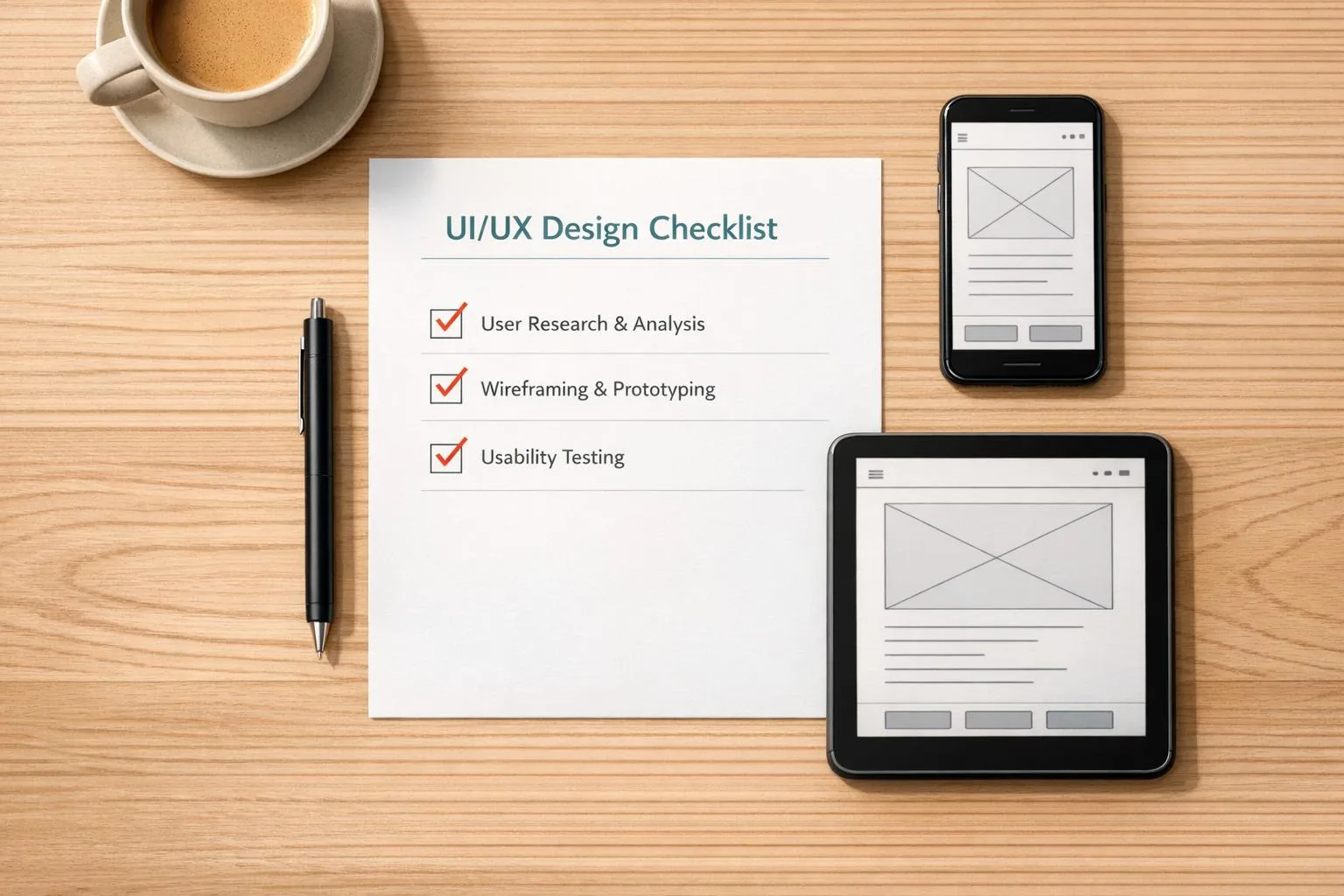 DesignUI/UX Design Checklist for Perfect Apps
 Development10 Best Practices for Real-Time Data Sync
 DevelopmentCase Study: Scalable Backend for Fitness Apps
 Design5 Common UI/UX Mistakes Startups Make
 DesignHow SwiftUI Simplifies iOS UI Design
 GrowthApp Visibility Metrics: What to Track in 2025
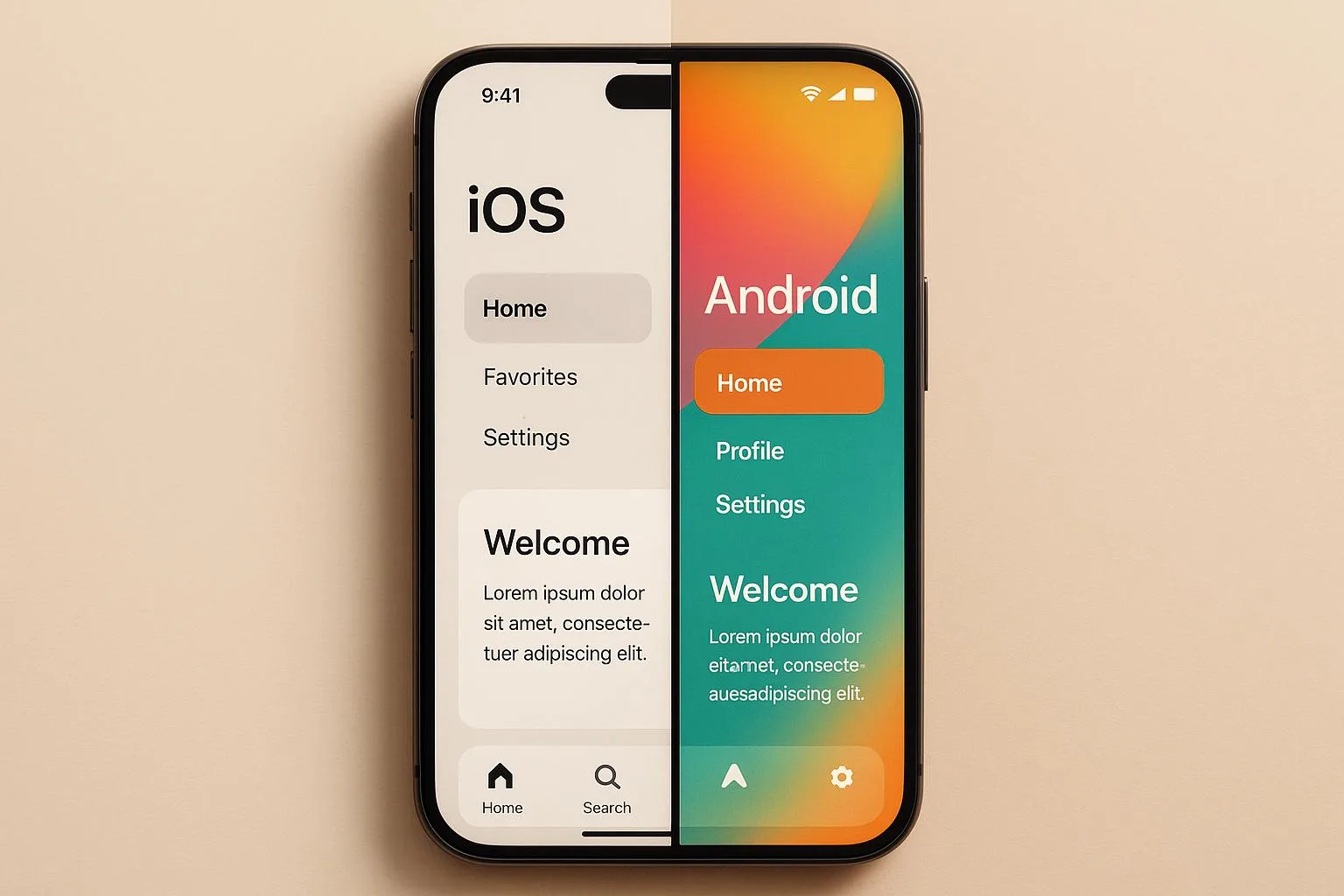 DevelopmentiOS vs Android Development: Which Platform First?
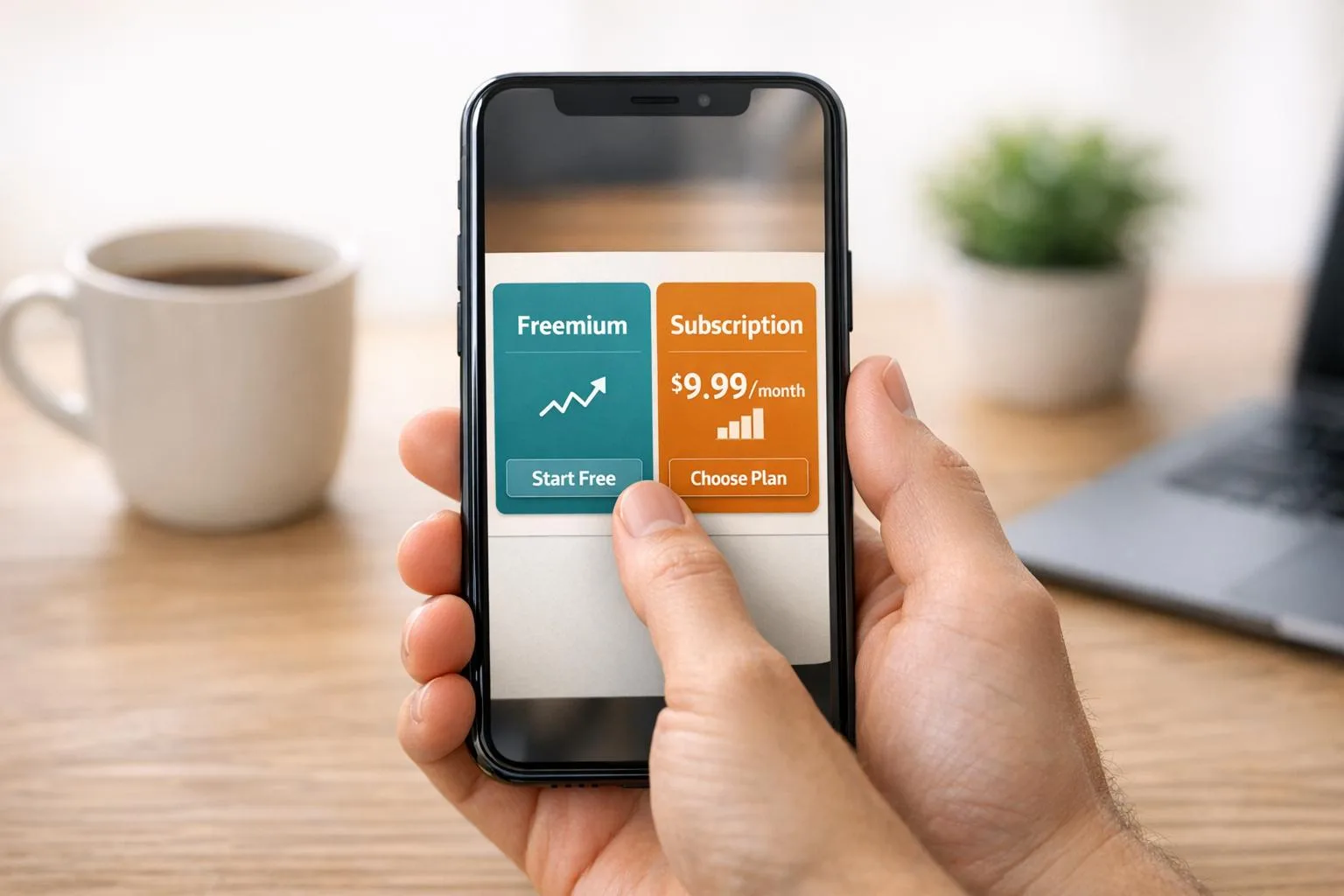 GrowthFreemium vs. Subscription: App Monetization Models
 Growth10 Gamification Techniques for App Retention
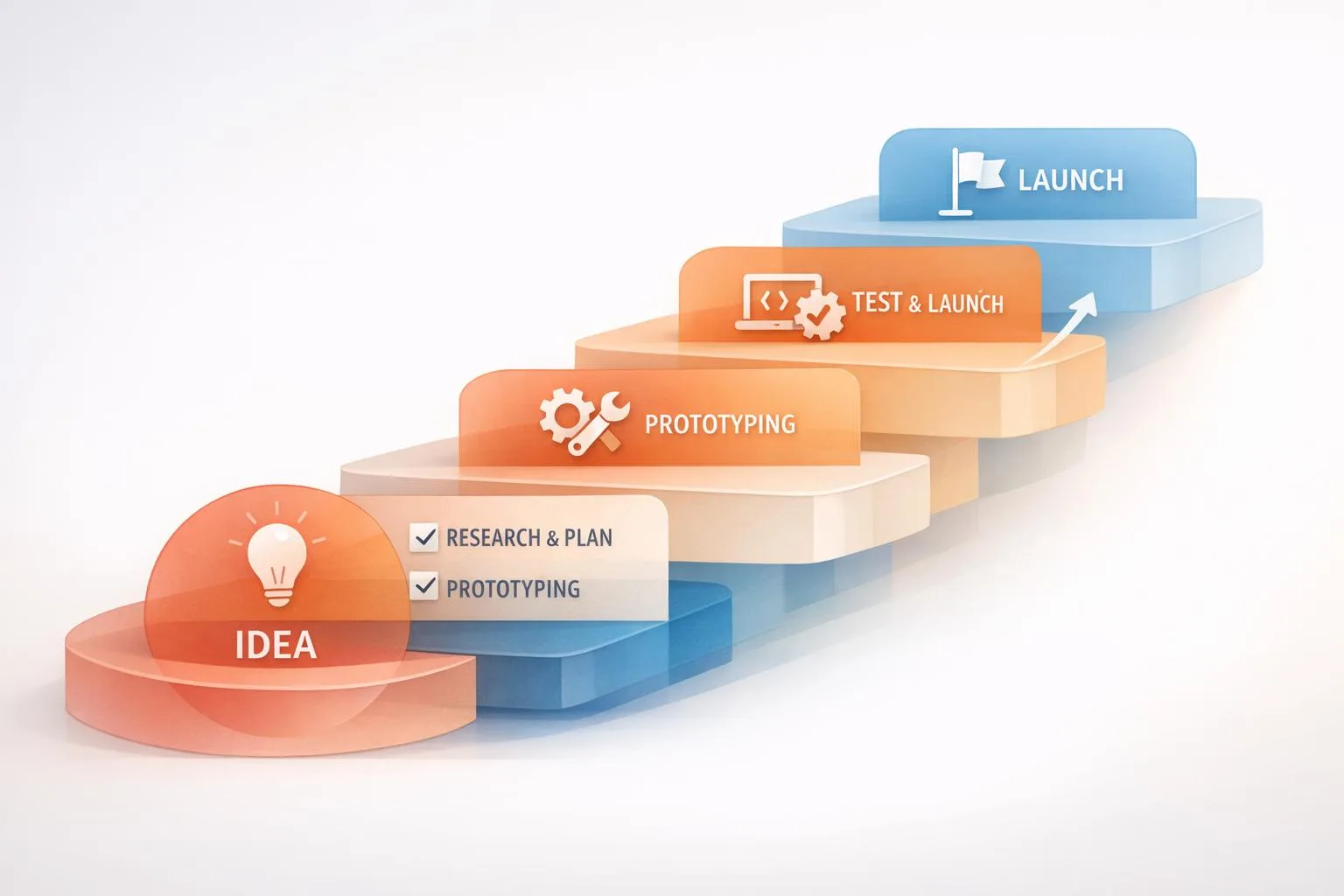 StrategyStep-by-Step MVP Development Process Explained
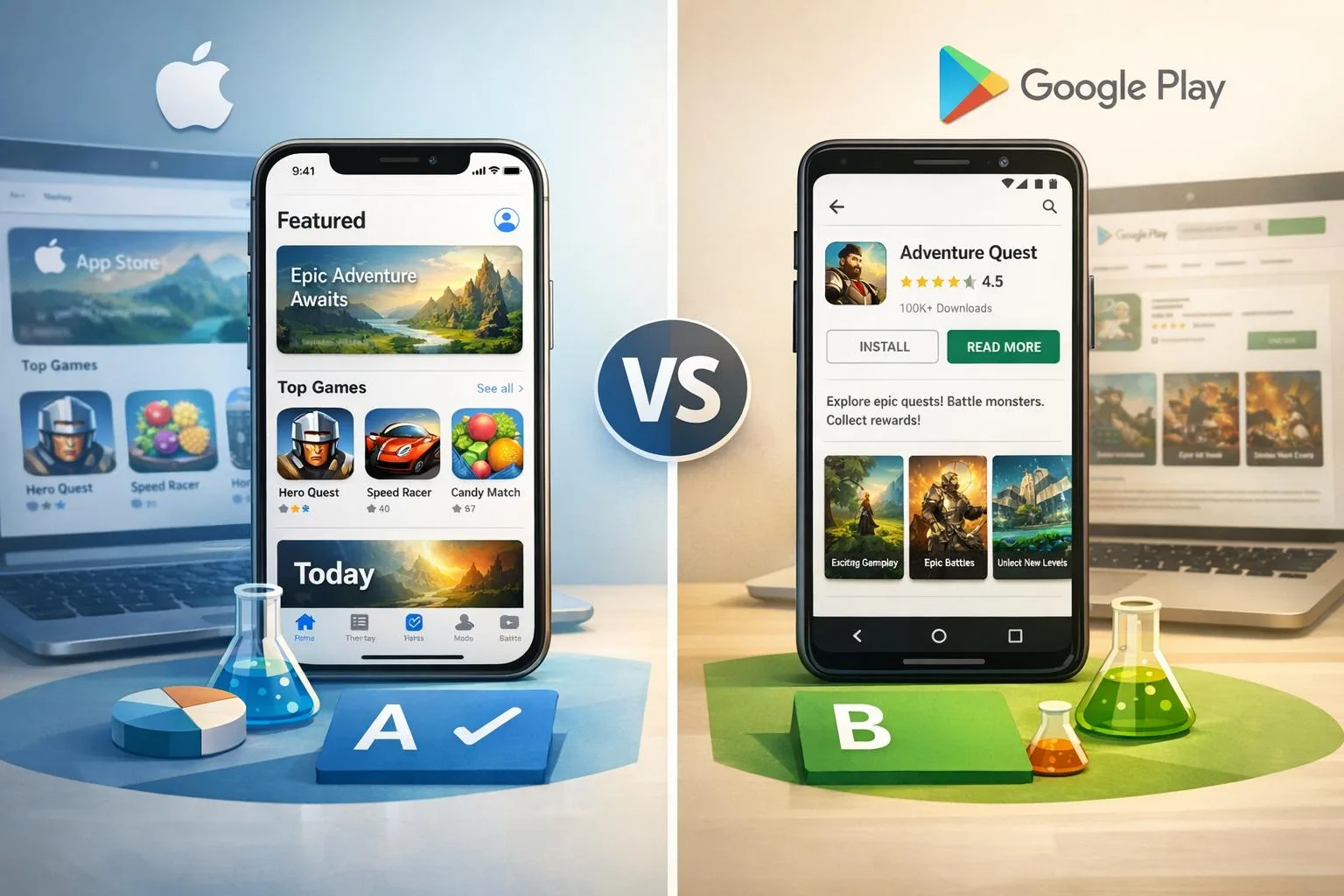 GrowthApp Store A/B Testing vs. Google Play Experiments
 DevelopmentBest Practices for Mobile App Battery Efficiency
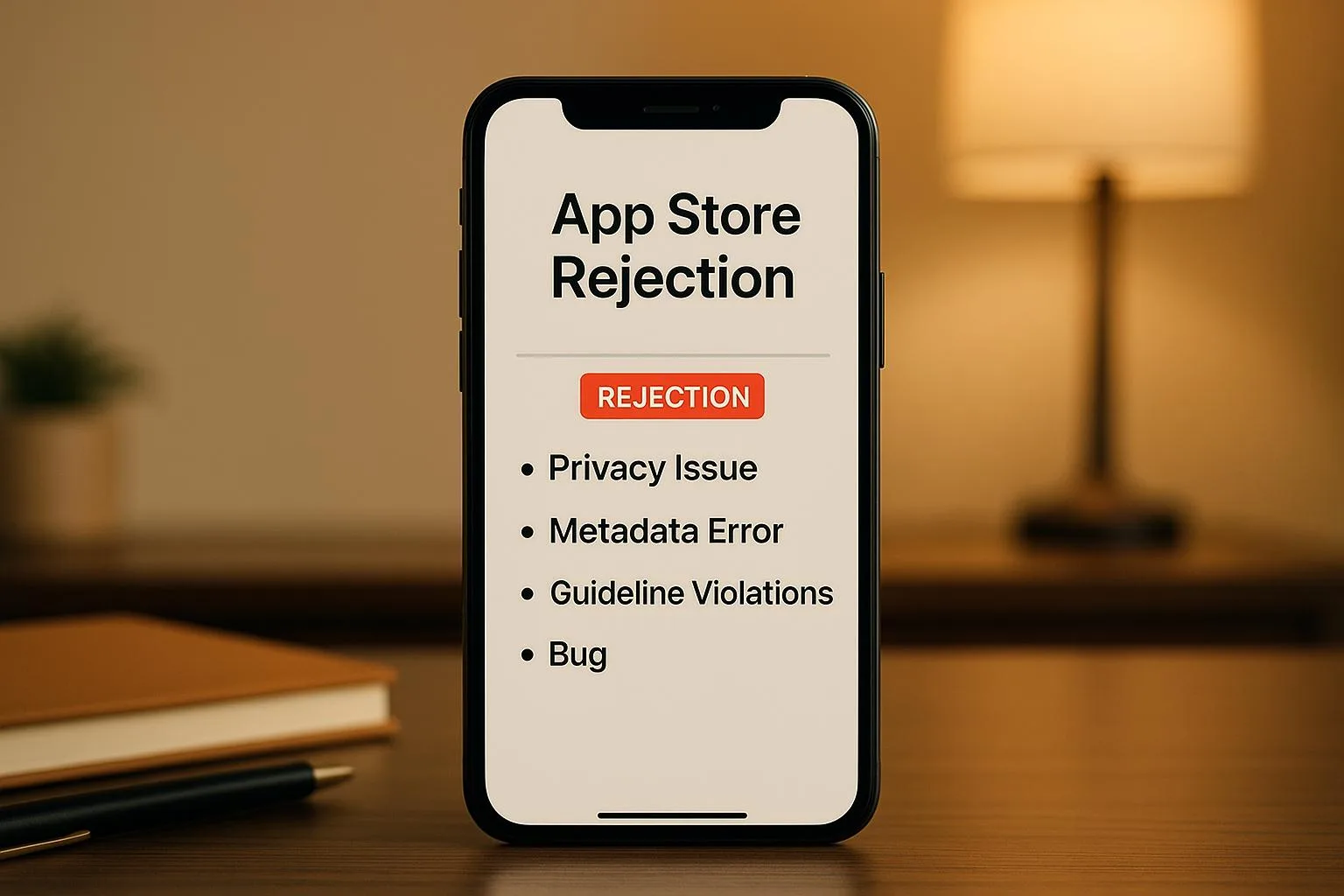 GrowthCommon App Store Rejection Reasons
 StrategyHow to Choose a Tech Stack for Startup Apps
 DesignBest Practices for Voice UI Design in Mobile Apps
 StrategyMobile App Development Checklist for Startups
 StrategyMVP Prototyping for Non-Technical Founders
 DesignMobile App UI/UX Design: Common Questions Answered
 GrowthLow User Engagement? 7 Mobile App Solutions
 GrowthApp Store Optimization: 8 Tips for Better Rankings
 DesignMobile App Development Cost: 2025 Pricing Guide
 Growth10 Steps to Launch Your First Mobile App
 DevelopmentBest Mobile App Development Tools in 2025
 DevelopmentSwift vs Kotlin: Best Language for Mobile Apps?
 StrategyHow to Choose Mobile App Development Company