
Flutter or native: how we actually decide
Every founder asks it in the first call, and every studio has a favourite answer. We build both, so ours changes from project to project. Here are the questions that decide it.
Where does the product live on the phone?
If the app is mostly screens, lists and forms talking to an API, Flutter ships one codebase to two stores without a visible compromise. If it lives in the camera, the sensors, background audio or the watch, native gets there faster and stays there when the OS changes.
How much of the roadmap is platform-specific?
Widgets, Live Activities, App Clips, HealthKit, Screen Time — each one is a week of bridging in Flutter and an afternoon in Swift. Two or three of them on the roadmap and the cross-platform saving is gone.
Who maintains it after launch?
A team that already writes Kotlin and Swift will resent a Dart codebase; a small team with one mobile engineer will thank you for it. We ask about the hire you plan to make, not the one you have.
What does the budget actually buy?
Cross-platform usually saves 30–40% on the first version. It saves less on the third, when the platform features arrive. We price both paths honestly and show where the lines cross.
Pick the stack for the product you will have in a year, not the demo you need in a month — and get the recommendation from a team that builds both.
 DevelopmentHow we use AI in development — and where we don't
 DesignOnboarding that keeps day-seven users
 StrategyHow much does an app cost? The honest breakdown
 Design7 mobile app design trends to watch in 2026
 DevelopmentClean code in mobile development
 StrategyHow to validate your app idea before building
 DesignHow to Build Custom App Dashboards
 DevelopmentSolving Memory Bottlenecks in Multithreaded Apps
 DesignBest Practices for Mobile App Onboarding
 DevelopmentPWA vs Native vs Hybrid: Key Differences
 DesignHow to Design App Screenshots for Maximum Impact
 Growth7 Content Marketing Tips for App Launches
 DesignHow to Build Scalable iOS Apps with Swift
 StrategyMobile App Feature Planner Made Easy
 DevelopmentXcode vs Android Studio: Key Differences
 DesignHow to Build a Personalized Recommender System
 DesignUI/UX Design Checklist for Perfect Apps
 GrowthApp Store Keyword Finder for Better Reach
 Development10 Best Practices for Real-Time Data Sync
 DevelopmentCase Study: Scalable Backend for Fitness Apps
 Design5 Common UI/UX Mistakes Startups Make
 DesignHow SwiftUI Simplifies iOS UI Design
 GrowthApp Visibility Metrics: What to Track in 2025
 DevelopmentiOS vs Android Development: Which Platform First?
 GrowthFreemium vs. Subscription: App Monetization Models
 Growth10 Gamification Techniques for App Retention
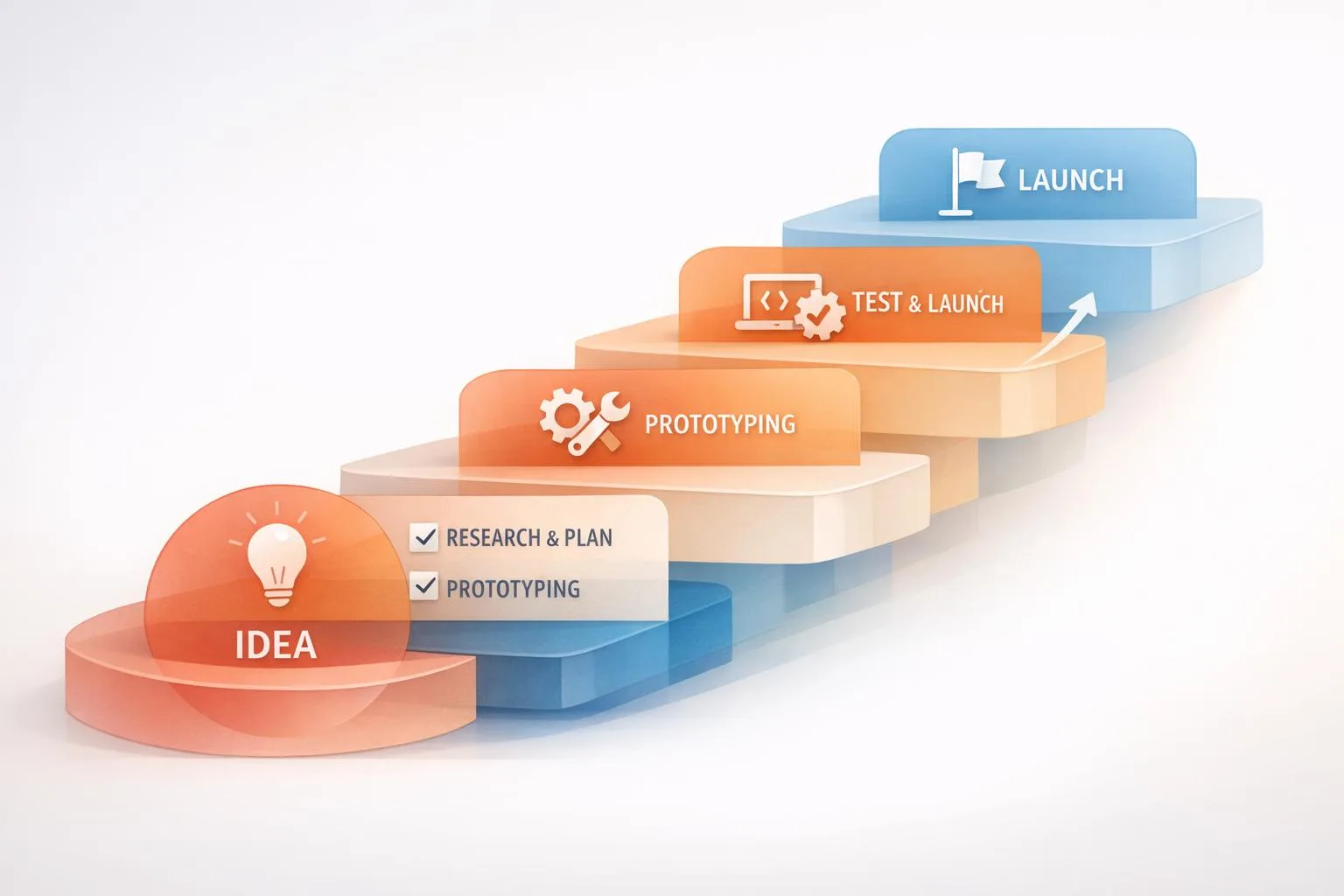 StrategyStep-by-Step MVP Development Process Explained
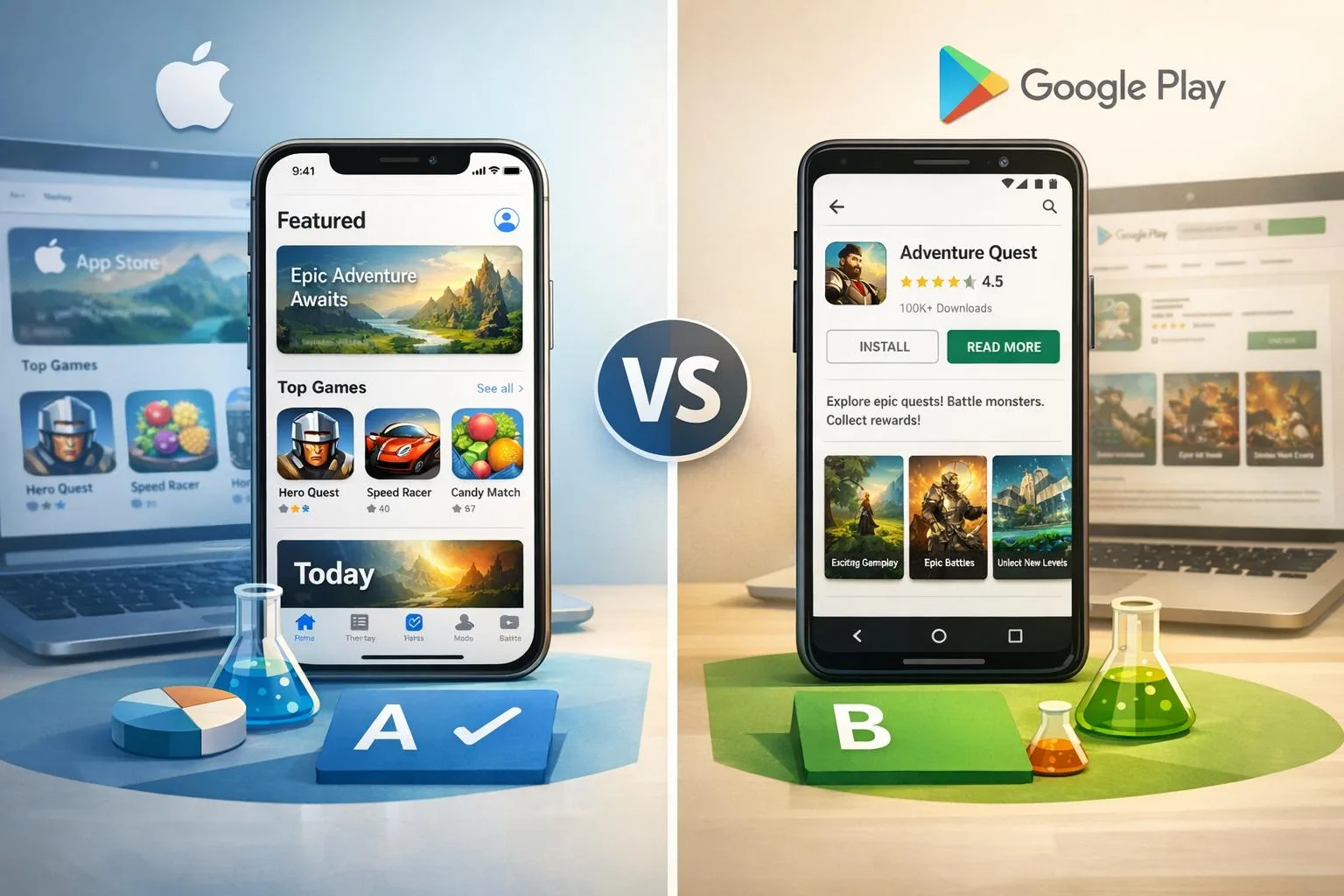 GrowthApp Store A/B Testing vs. Google Play Experiments
 DevelopmentBest Practices for Mobile App Battery Efficiency
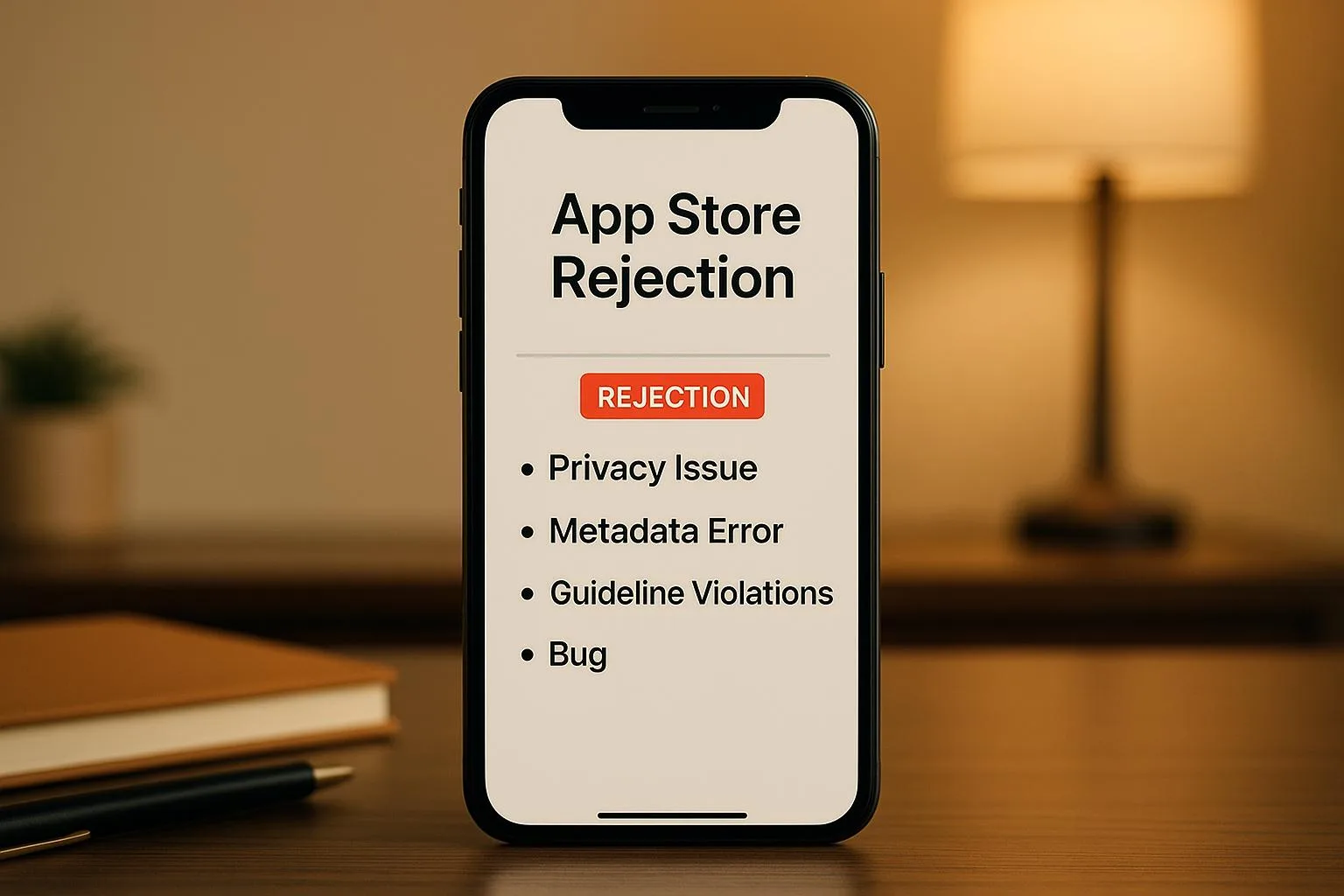 GrowthCommon App Store Rejection Reasons
 StrategyHow to Choose a Tech Stack for Startup Apps
 DesignBest Practices for Voice UI Design in Mobile Apps
 StrategyMobile App Development Checklist for Startups
 StrategyMVP Prototyping for Non-Technical Founders
 DesignMobile App UI/UX Design: Common Questions Answered
 GrowthLow User Engagement? 7 Mobile App Solutions
 GrowthApp Store Optimization: 8 Tips for Better Rankings
 DesignMobile App Development Cost: 2025 Pricing Guide
 Growth10 Steps to Launch Your First Mobile App
 DevelopmentBest Mobile App Development Tools in 2025
 DevelopmentSwift vs Kotlin: Best Language for Mobile Apps?
 StrategyHow to Choose Mobile App Development Company