Mobile App Feature Planner Made Easy
Plan your mobile app with our free Feature Planner! Input your concept and get tailored feature ideas to build the perfect app scope.
Plan Your Mobile App with Ease
Building a mobile application can feel overwhelming, especially when you’re trying to figure out what features to include. That’s where a thoughtful planning tool comes in handy. By organizing your ideas and mapping out essential components, you can create a roadmap that aligns with your goals and meets user needs. Whether you’re dreaming up a fitness tracker, an online store, or a social platform, having a structured approach to brainstorming features saves time and keeps your project focused.
Why Feature Planning Matters
Every great app starts with a solid foundation. Mapping out functionalities—think user login systems, payment gateways, or personalized notifications—helps you prioritize what’s critical versus what can wait. This process also aids in communicating your vision to developers or stakeholders. A well-defined scope prevents costly pivots down the line and ensures you’re building something users will love. Tools designed for app ideation simplify this step, offering tailored suggestions based on industry standards while leaving room for your creativity. So, if you’ve got an idea brewing, take a moment to sketch out its core elements and watch your concept come to life.
FAQs
How does the Mobile App Feature Planner suggest features?
We’ve built a database of common features for popular app categories like social networking, e-commerce, or gaming by analyzing industry trends and user expectations. When you input your app concept or choose a category, the tool matches it with relevant features—like push notifications for a fitness app or secure payments for a shopping app. It’s not just random ideas; it’s based on what successful apps in your niche often include. You can tweak or add to these suggestions to fit your unique vision.
Can I customize the features for my app?
Absolutely! While we provide a starting list of features based on your app’s category, you’re in full control. Add your own ideas, edit descriptions, and label them as must-have or nice-to-have. You can also sort them into buckets like frontend or user experience to keep things organized. Think of this tool as a flexible framework—it’s here to inspire, not to box you in.
Is this tool suitable for non-technical users?
Yes, we designed it with everyone in mind—whether you’re a seasoned developer or just someone with a cool app idea. The language is simple, and the process is intuitive: just type in your concept, explore suggestions, and build your plan. You don’t need to know coding or tech jargon to get a clear picture of your app’s scope. Plus, the output is easy to share with a developer if you’re ready to build.
 StrategyFlutter or native: how we actually decide
 DevelopmentHow we use AI in development — and where we don't
 DesignOnboarding that keeps day-seven users
 StrategyHow much does an app cost? The honest breakdown
 Design7 mobile app design trends to watch in 2026
 DevelopmentClean code in mobile development
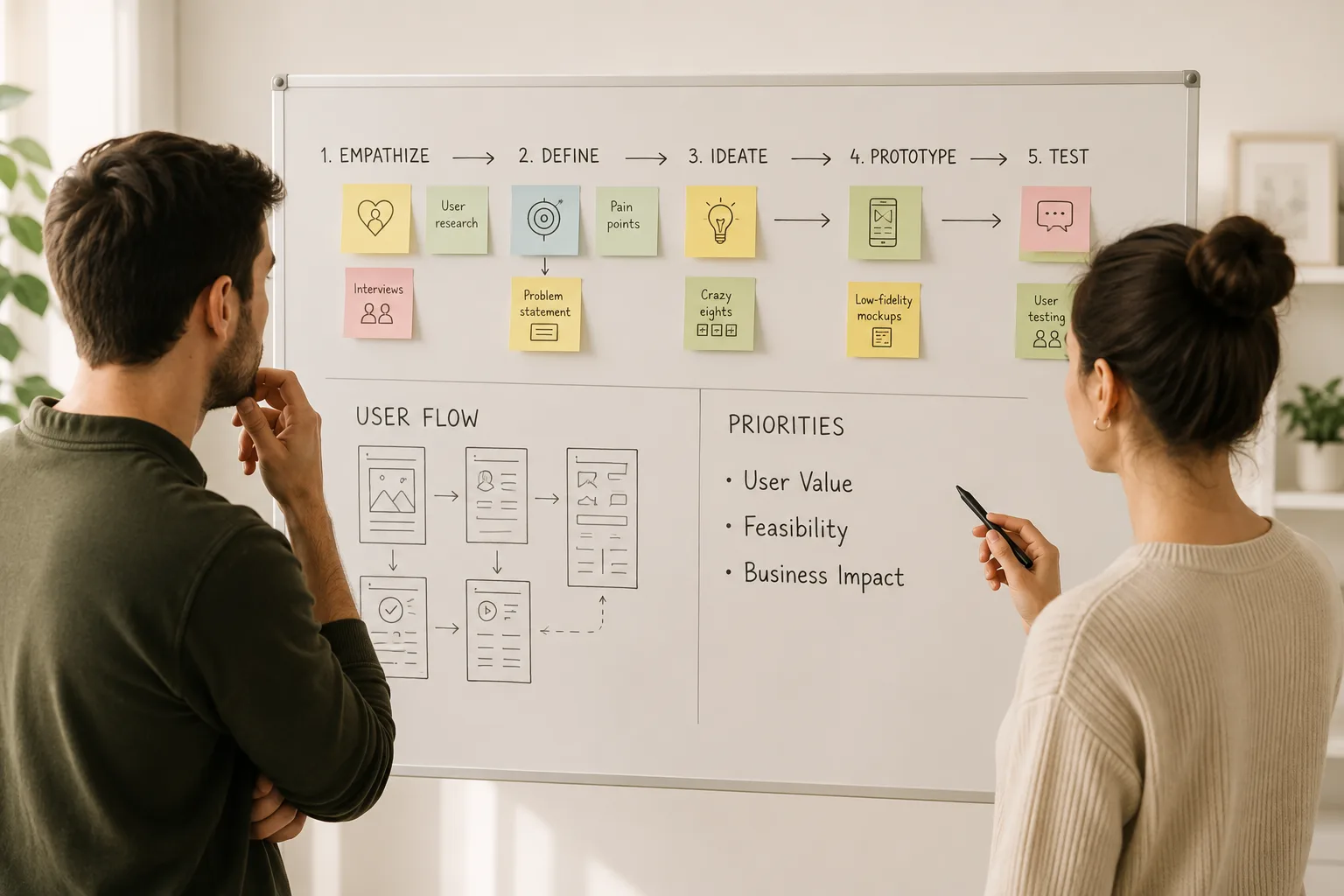 StrategyHow to validate your app idea before building
 DesignHow to Build Custom App Dashboards
 DevelopmentSolving Memory Bottlenecks in Multithreaded Apps
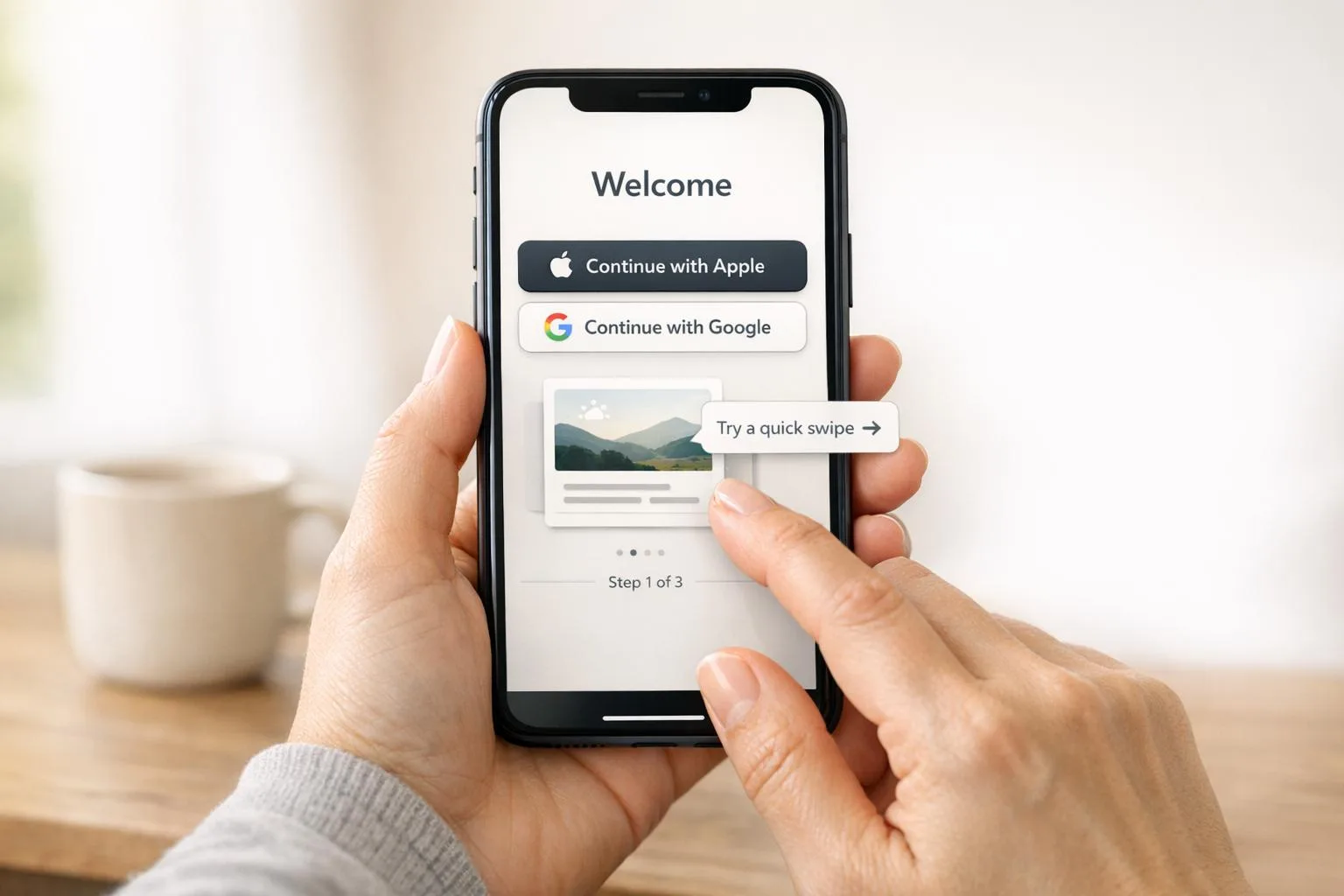 DesignBest Practices for Mobile App Onboarding
 DevelopmentPWA vs Native vs Hybrid: Key Differences
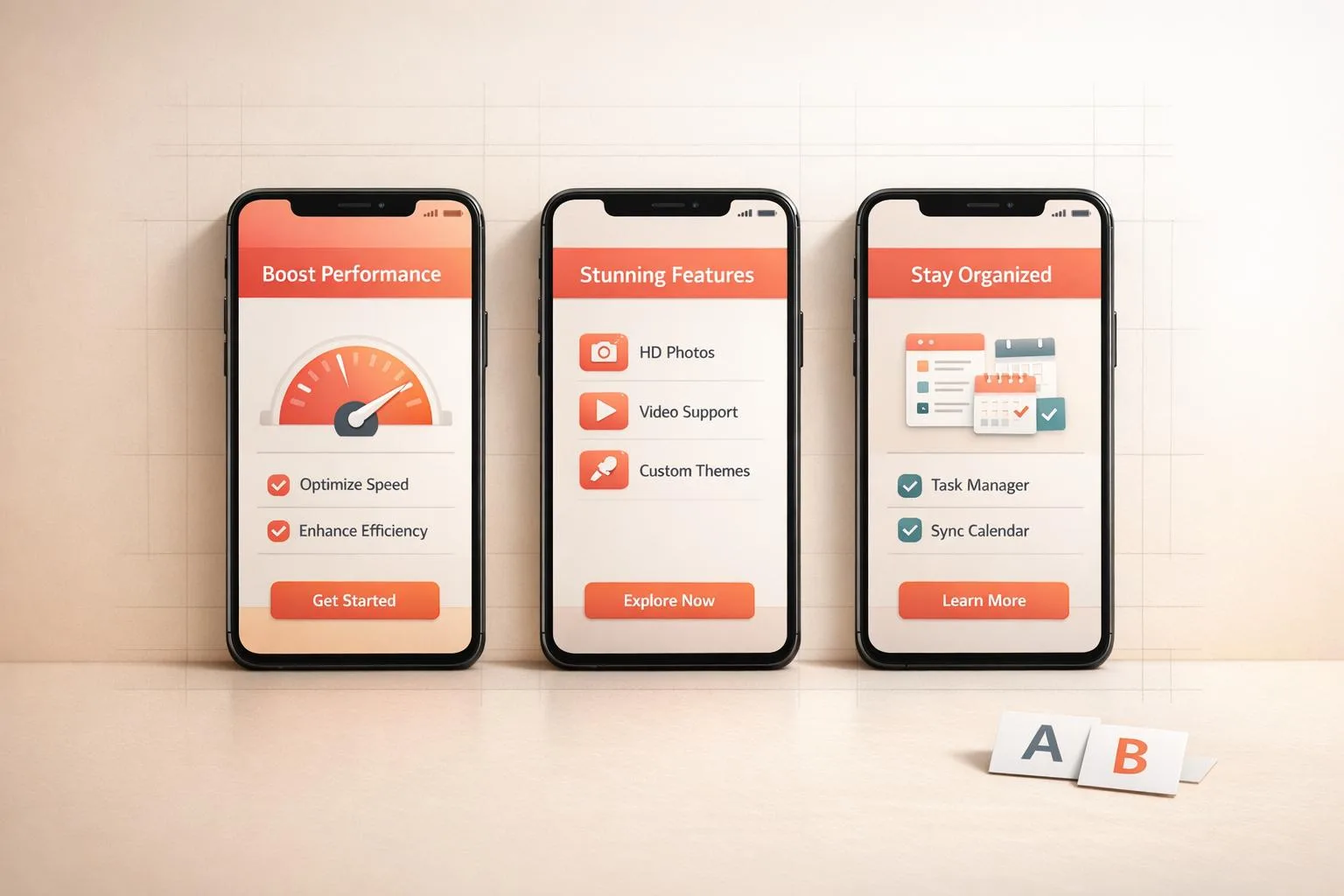 DesignHow to Design App Screenshots for Maximum Impact
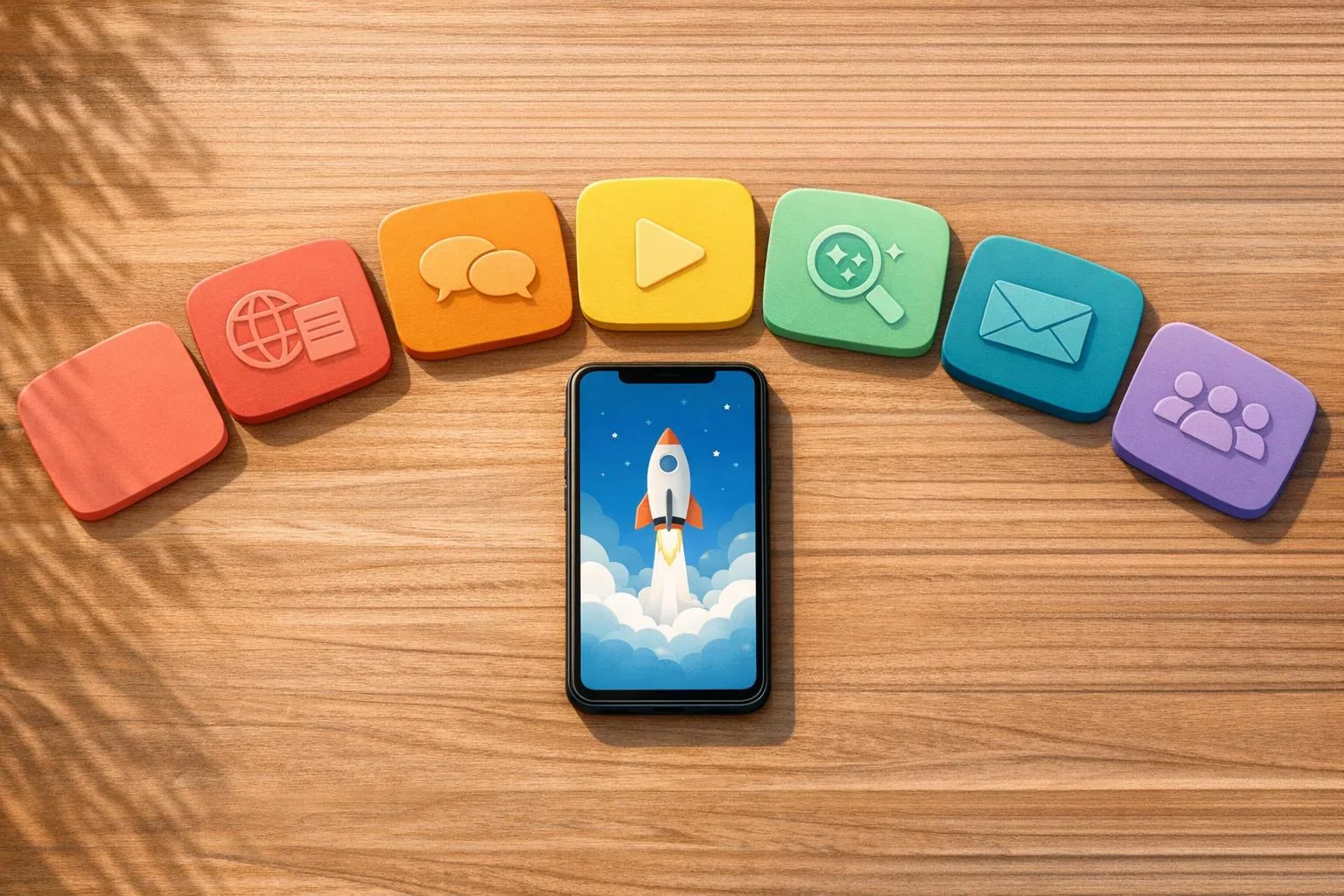 Growth7 Content Marketing Tips for App Launches
 DesignHow to Build Scalable iOS Apps with Swift
 DevelopmentXcode vs Android Studio: Key Differences
 DesignHow to Build a Personalized Recommender System
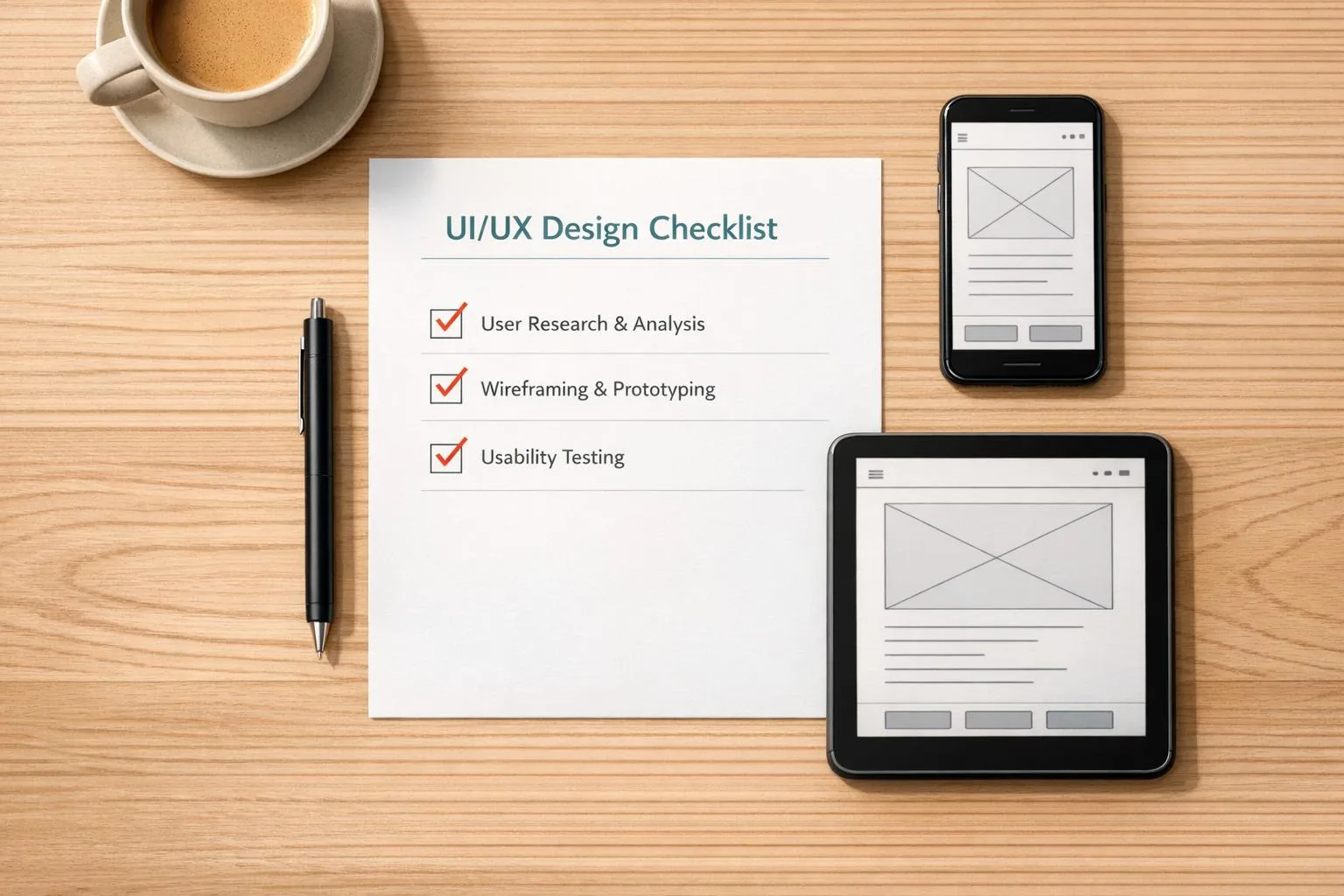 DesignUI/UX Design Checklist for Perfect Apps
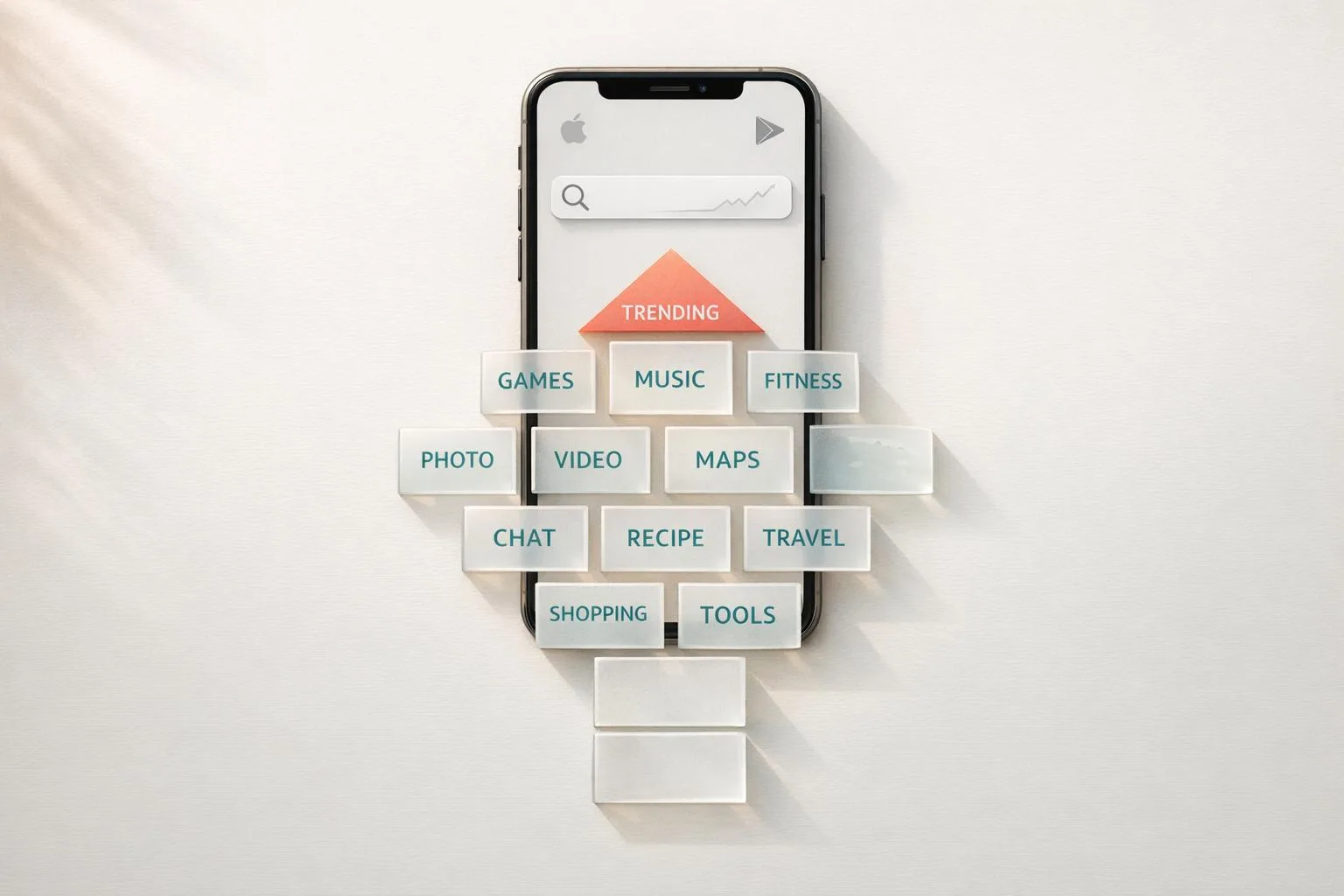 GrowthApp Store Keyword Finder for Better Reach
 Development10 Best Practices for Real-Time Data Sync
 DevelopmentCase Study: Scalable Backend for Fitness Apps
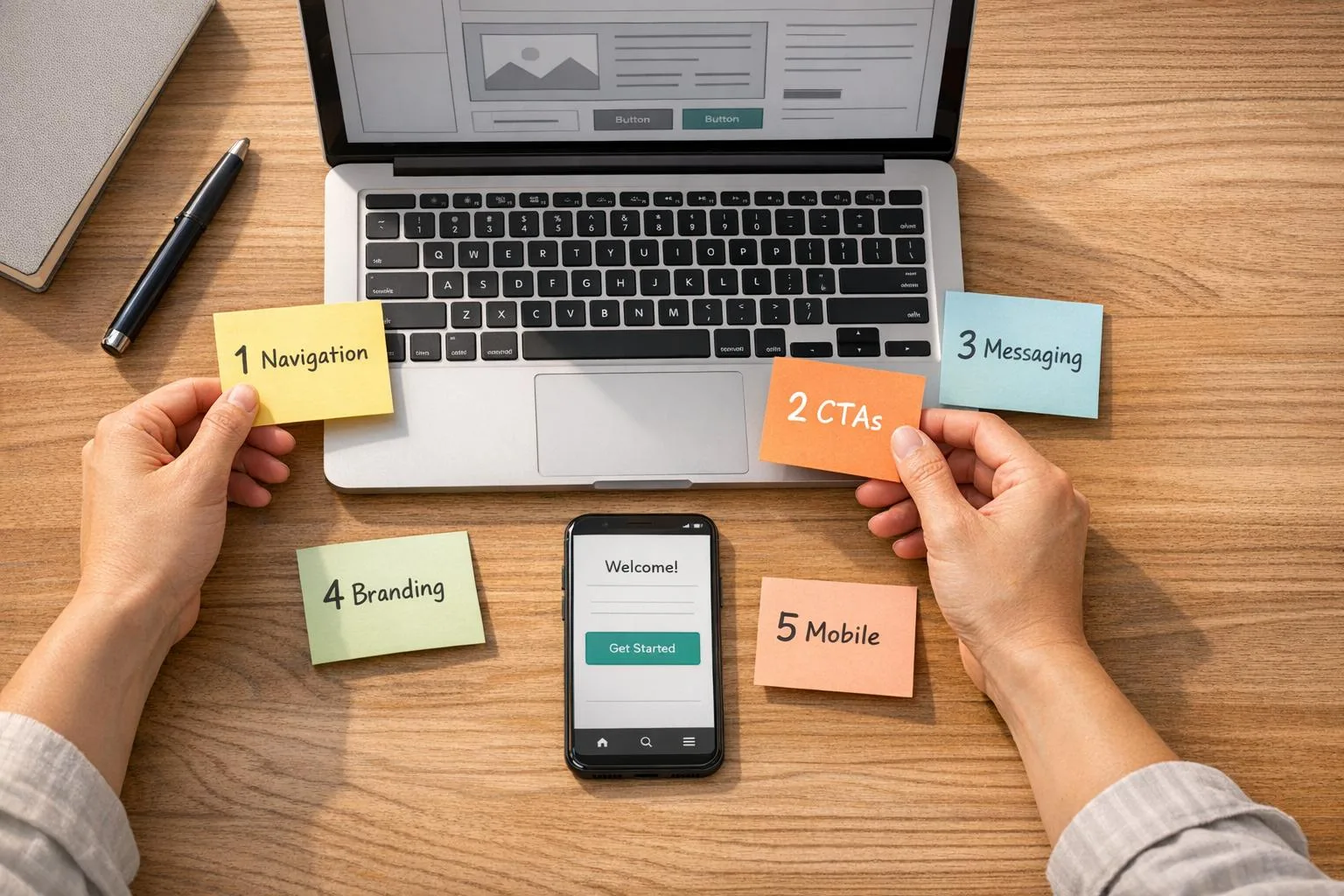 Design5 Common UI/UX Mistakes Startups Make
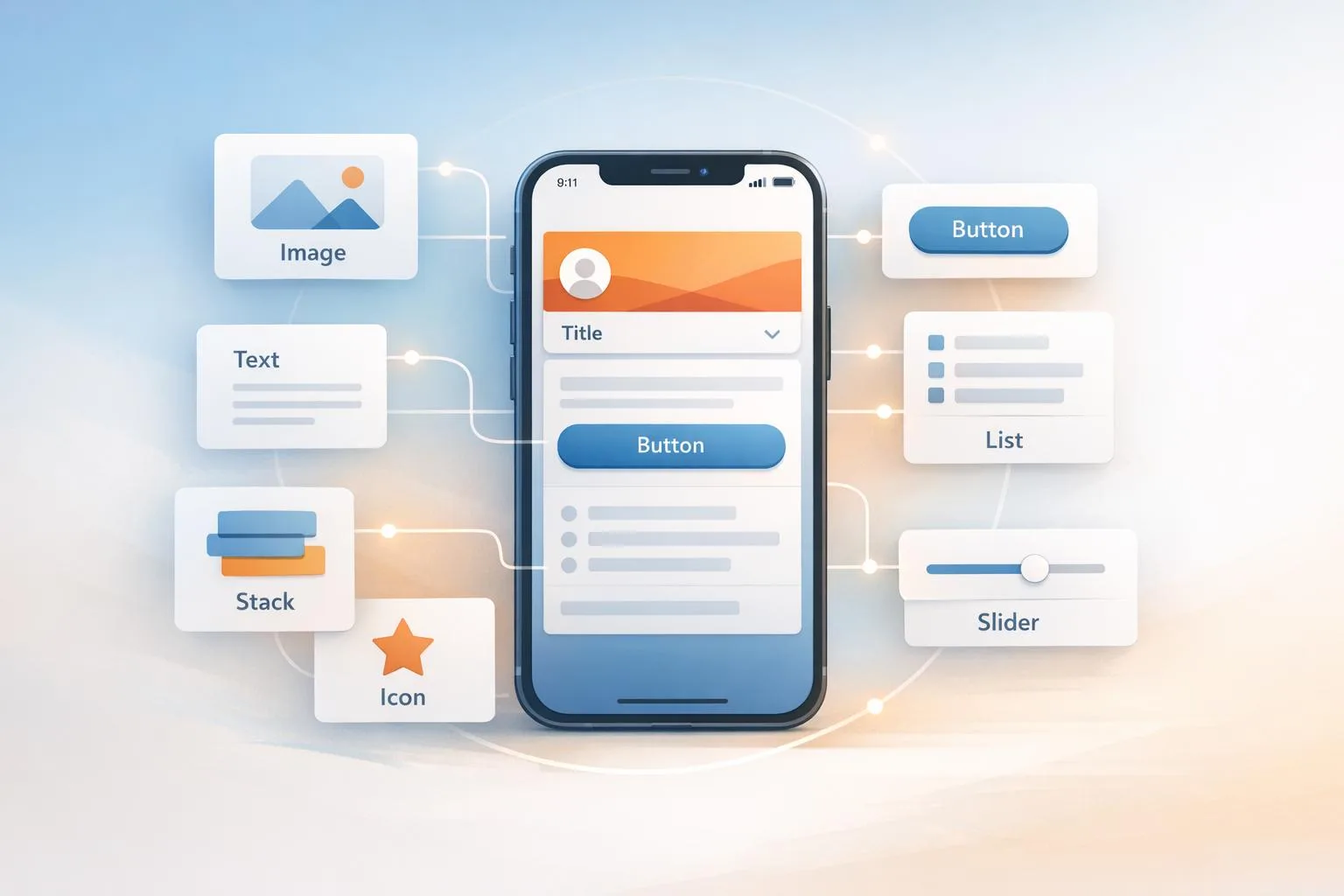 DesignHow SwiftUI Simplifies iOS UI Design
 GrowthApp Visibility Metrics: What to Track in 2025
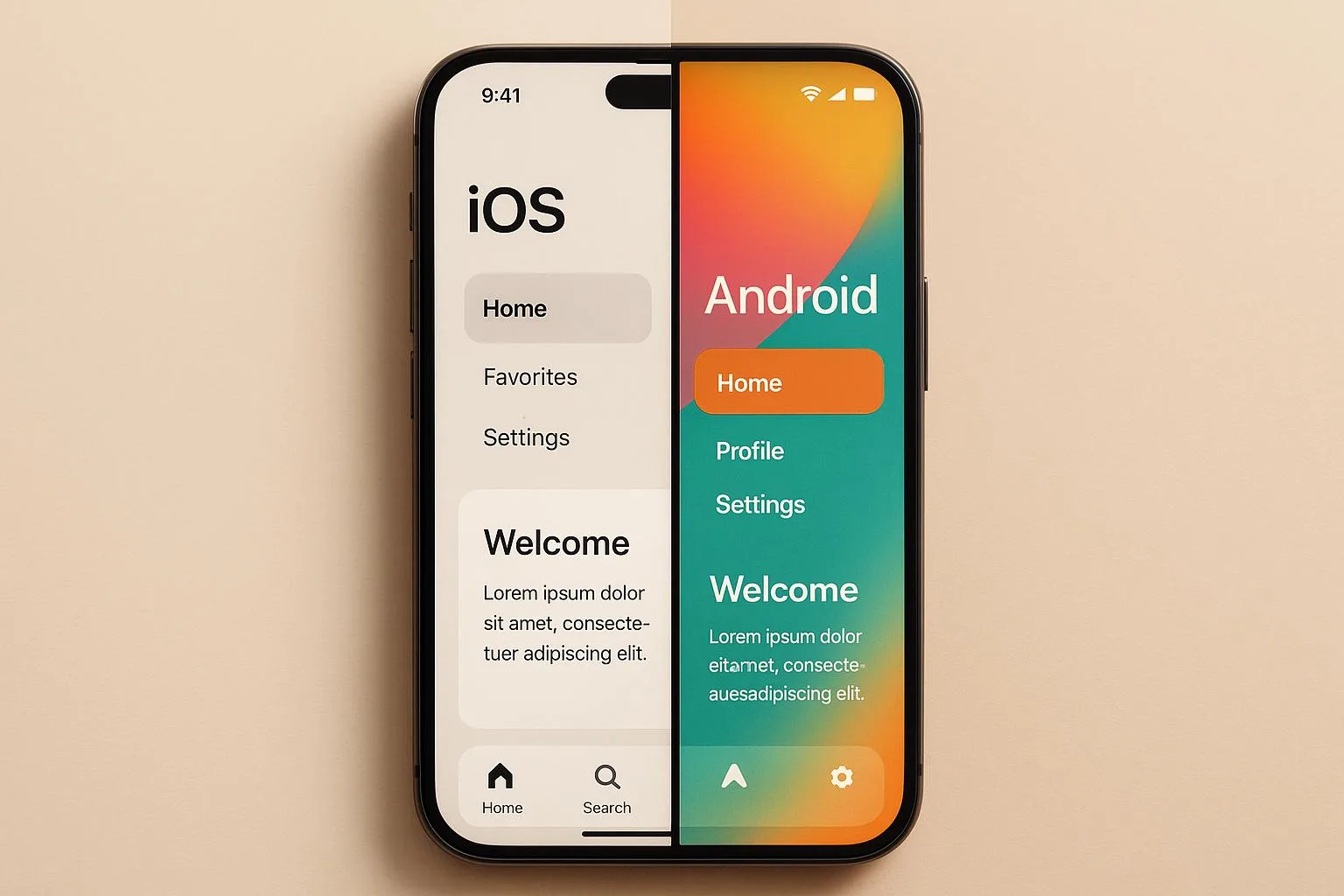 DevelopmentiOS vs Android Development: Which Platform First?
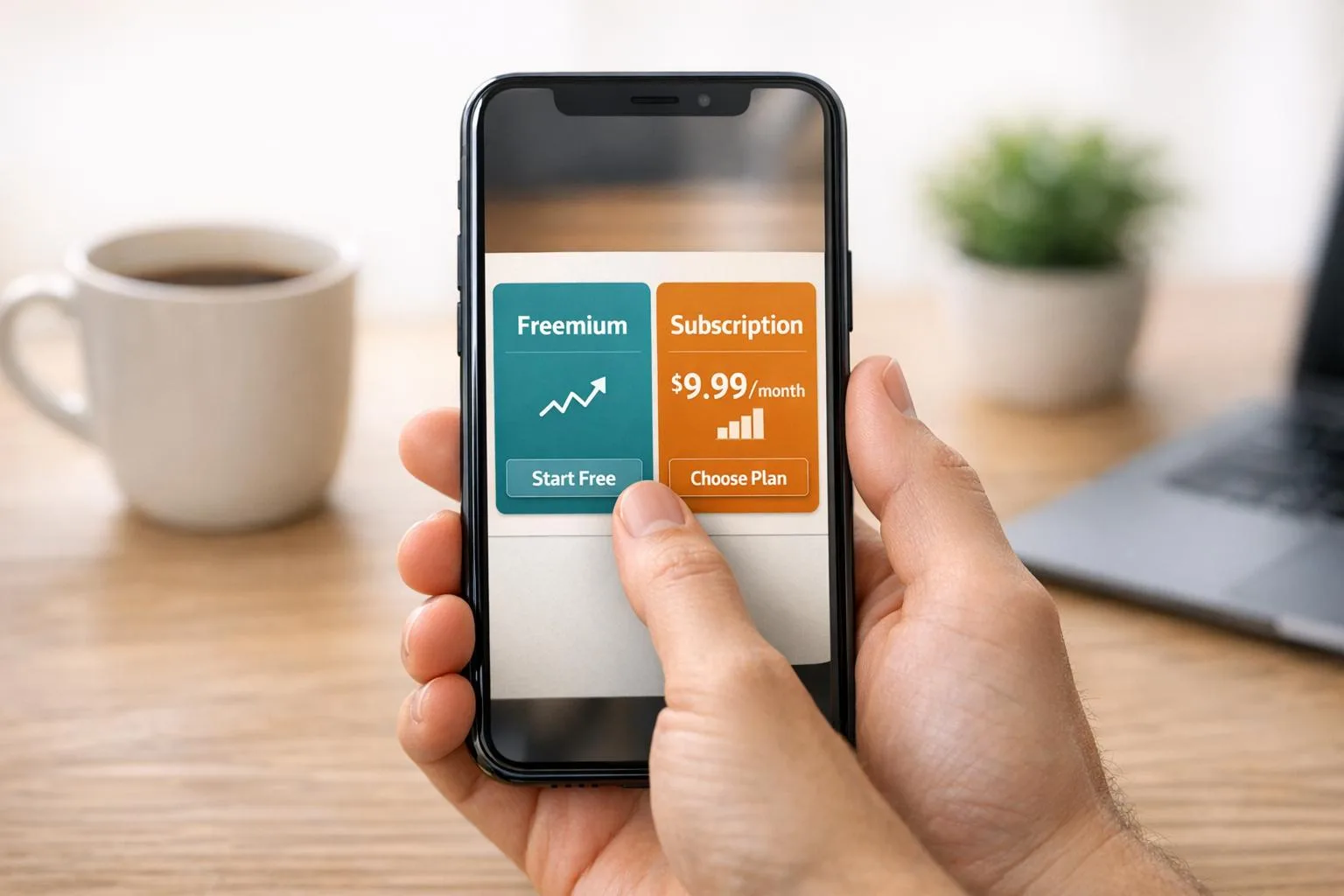 GrowthFreemium vs. Subscription: App Monetization Models
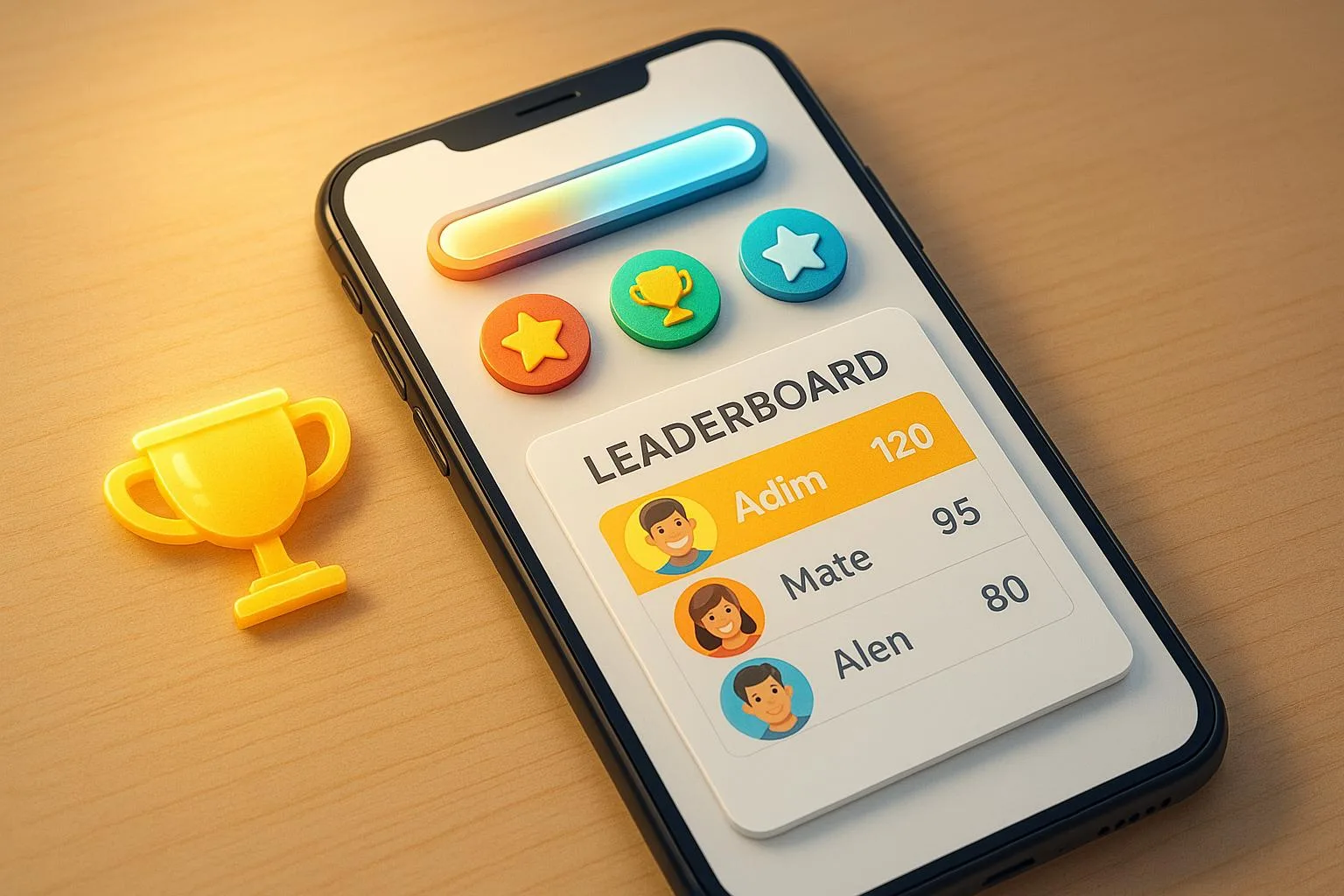 Growth10 Gamification Techniques for App Retention
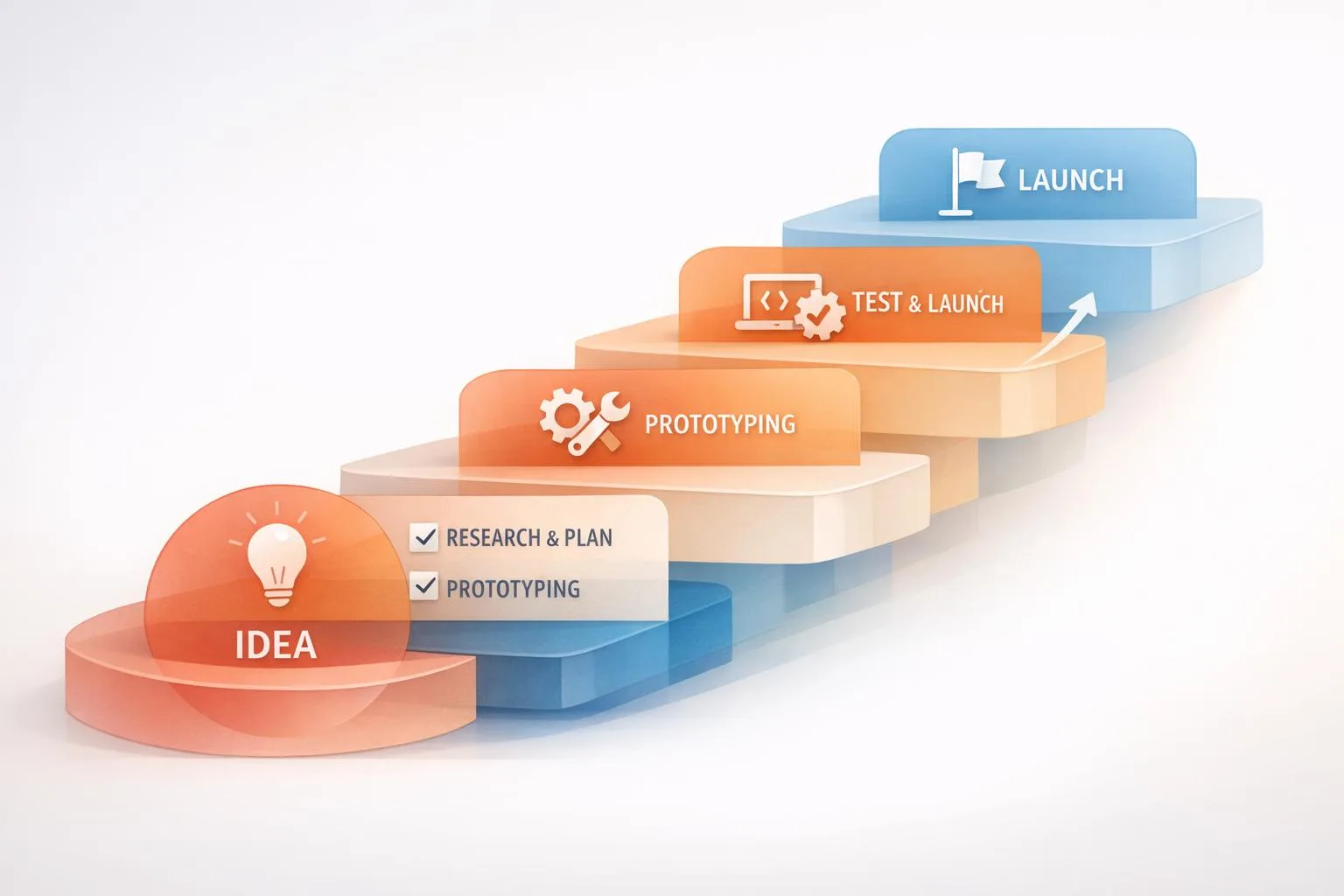 StrategyStep-by-Step MVP Development Process Explained
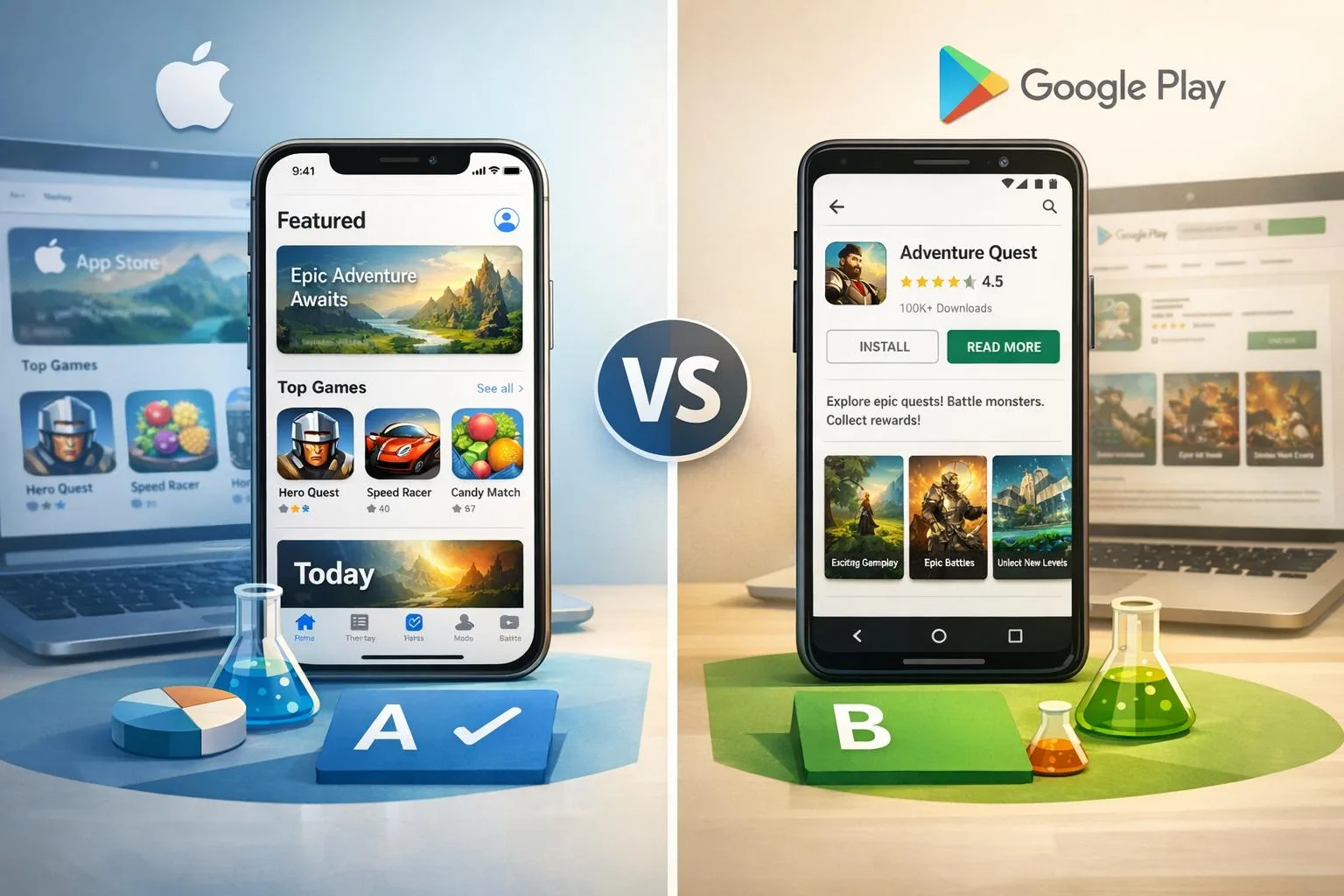 GrowthApp Store A/B Testing vs. Google Play Experiments
 DevelopmentBest Practices for Mobile App Battery Efficiency
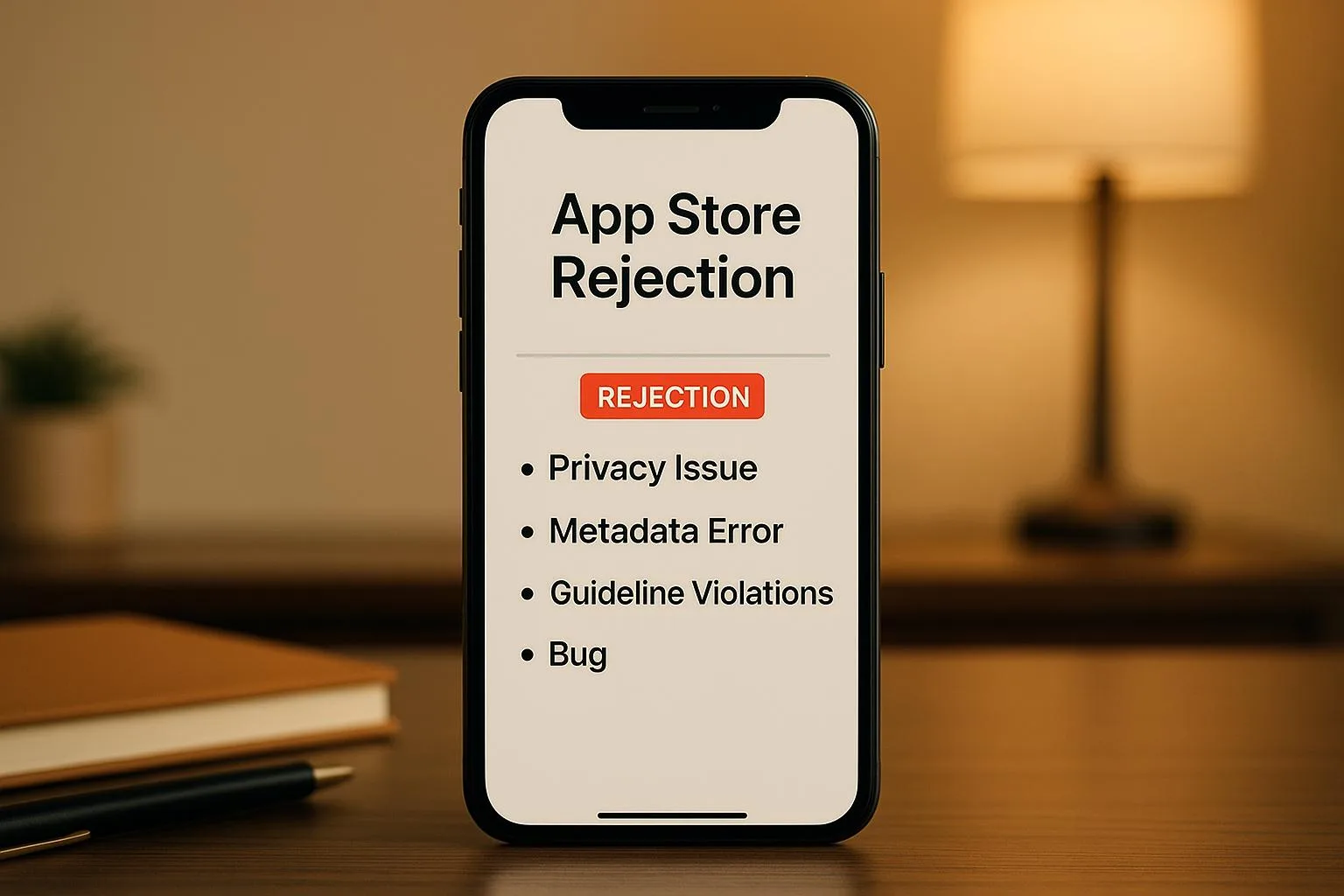 GrowthCommon App Store Rejection Reasons
 StrategyHow to Choose a Tech Stack for Startup Apps
 DesignBest Practices for Voice UI Design in Mobile Apps
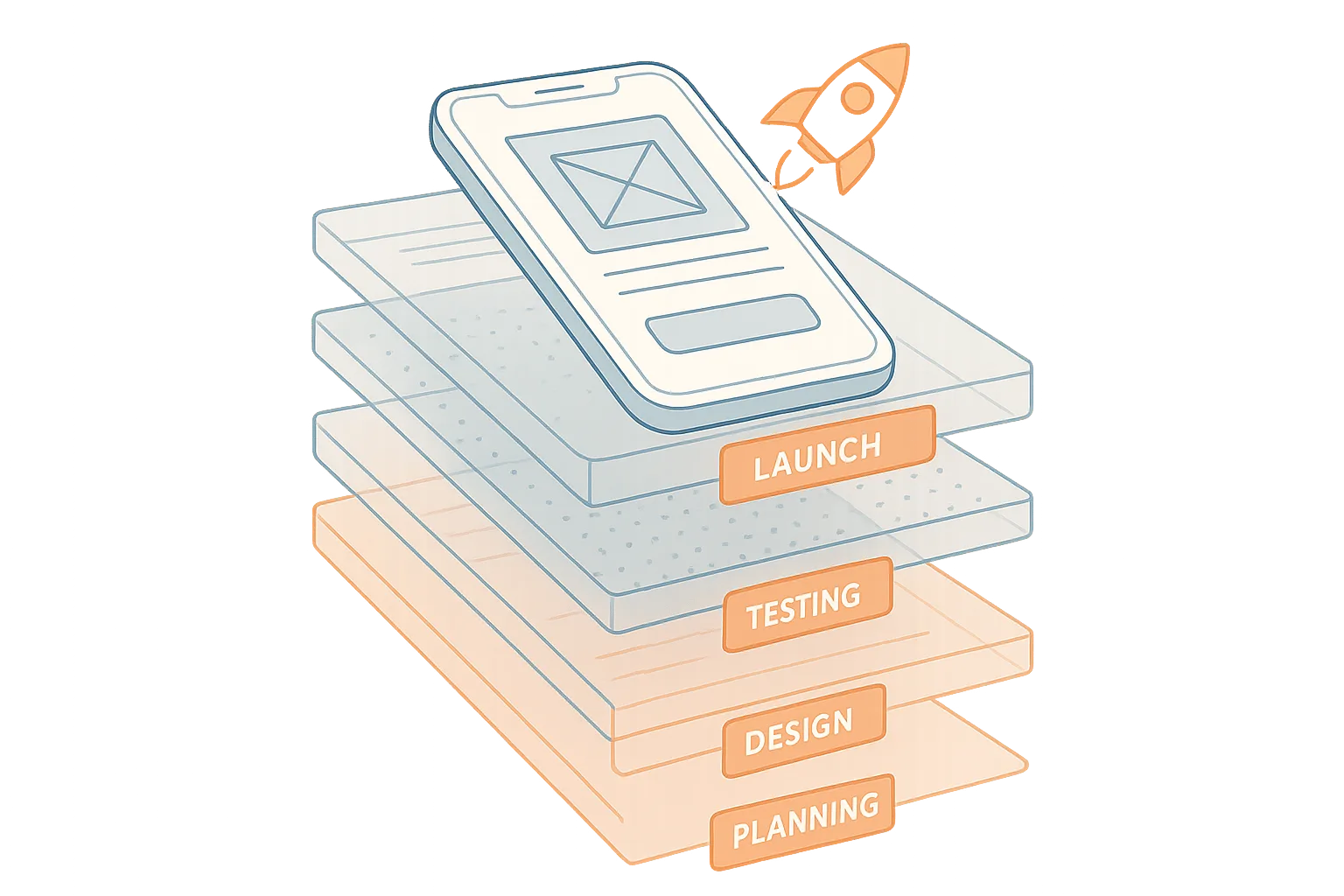 StrategyMobile App Development Checklist for Startups
 StrategyMVP Prototyping for Non-Technical Founders
 DesignMobile App UI/UX Design: Common Questions Answered
 GrowthLow User Engagement? 7 Mobile App Solutions
 GrowthApp Store Optimization: 8 Tips for Better Rankings
 DesignMobile App Development Cost: 2025 Pricing Guide
 Growth10 Steps to Launch Your First Mobile App
 DevelopmentBest Mobile App Development Tools in 2025
 DevelopmentSwift vs Kotlin: Best Language for Mobile Apps?
 StrategyHow to Choose Mobile App Development Company